
You can spend a month watching laser videos before you buy anything. I know because I did it. Every channel makes a 40W diode laser look like it can do everything, and then you read the comments and half of them are people asking why their wood came out scorched.
This is the review I wanted back then. I have had the xTool S1 in my garage in Tucson for six months. I am a retired shop teacher, so I tend to take things apart and put them to work. I have run cutting boards, leather patches, slate coasters, and powder-coated tumblers through it, some for my Etsy shop and some just to see what would happen. Here is what the machine actually does, what it costs you in time and patience, and where I would tell you to spend your money differently.
Last month at the craft fair, a woman asked if I could put her dog's name on a tumbler while she waited. Twelve minutes later she walked off with it. That moment is what this machine is for, and it is why I keep recommending the xTool S1 to people who want to sell their work instead of just making stuff for their own kitchen.
The Quick Verdict
The best first serious laser for someone selling at craft fairs. Big enough bed, dependable cuts, and a rotary attachment that makes tumblers easy. Just solve ventilation first and give yourself a week to learn the settings.
Amazon Check Today's Price →The xTool S1 is the machine I would buy again tomorrow.
Six months of cutting boards, leather, slate, and tumblers, and I have no regrets. Check today's price on Amazon and see if it fits your shop.
Amazon Check Today's Price on Amazon →How I've Used It
I set mine up on the workbench along the back wall of my garage, with the window right behind it. Ventilation is the first thing to solve, not the last. xTool sells a fume extractor for this machine, but I built my own setup with a window adapter and a fan because I already had the shop vac and the window. In Tucson the garage gets hot by noon, so I do most of my cutting in the morning. That routine has served me well through a full summer.
In six months I have run maybe 60 cutting boards, a couple hundred leather patches, a stack of slate coasters, and more tumblers than I can count. The rotary attachment is why I bought this model instead of the smaller one. Powder-coated tumblers are steady sellers at the craft fair, and the S1 spins them in place so the logo comes out straight every time. My wife Linda handles the Etsy listings and the photos, and she has learned to expect a new product photo on the workbench every few days.
The learning curve is real. My first two cutting boards are in the burn pile. I ran the manual settings and got charred edges. Then I made a test grid on scrap wood, dialed in the power and speed for each material, and wrote the numbers on index cards. That card file is worth more than any accessory I have bought. When a new customer asks for something I have not tried, I run one test piece before I touch their material.
The other part of my routine is a small notebook next to the machine. I write down the date, the material, the settings, and what went wrong. It sounds like homework, but it is the fastest way to learn. The laser does not care what you know; it cares what you set. The notebook is how I remember what I set.
What a 40W Diode Actually Does
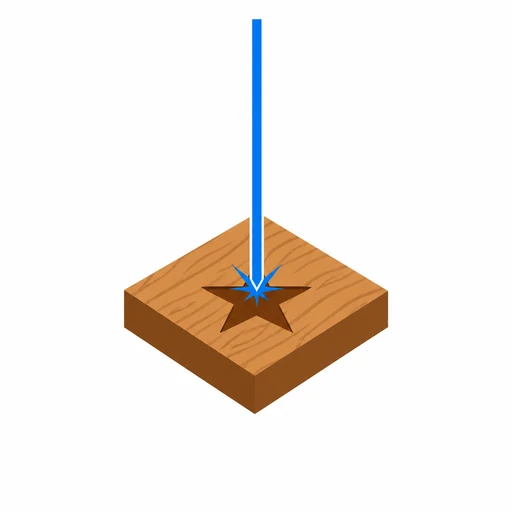
A 40W diode laser cuts thin wood and engraves almost anything that is not clear glass or bare metal. That is the honest summary. On quarter-inch birch plywood it cuts through in one or two passes at a speed that surprises people. On three-quarter-inch hardwood it engraves beautifully but it will not cut through. You are not replacing a CO2 laser or a CNC router, and anyone who tells you otherwise is selling something.
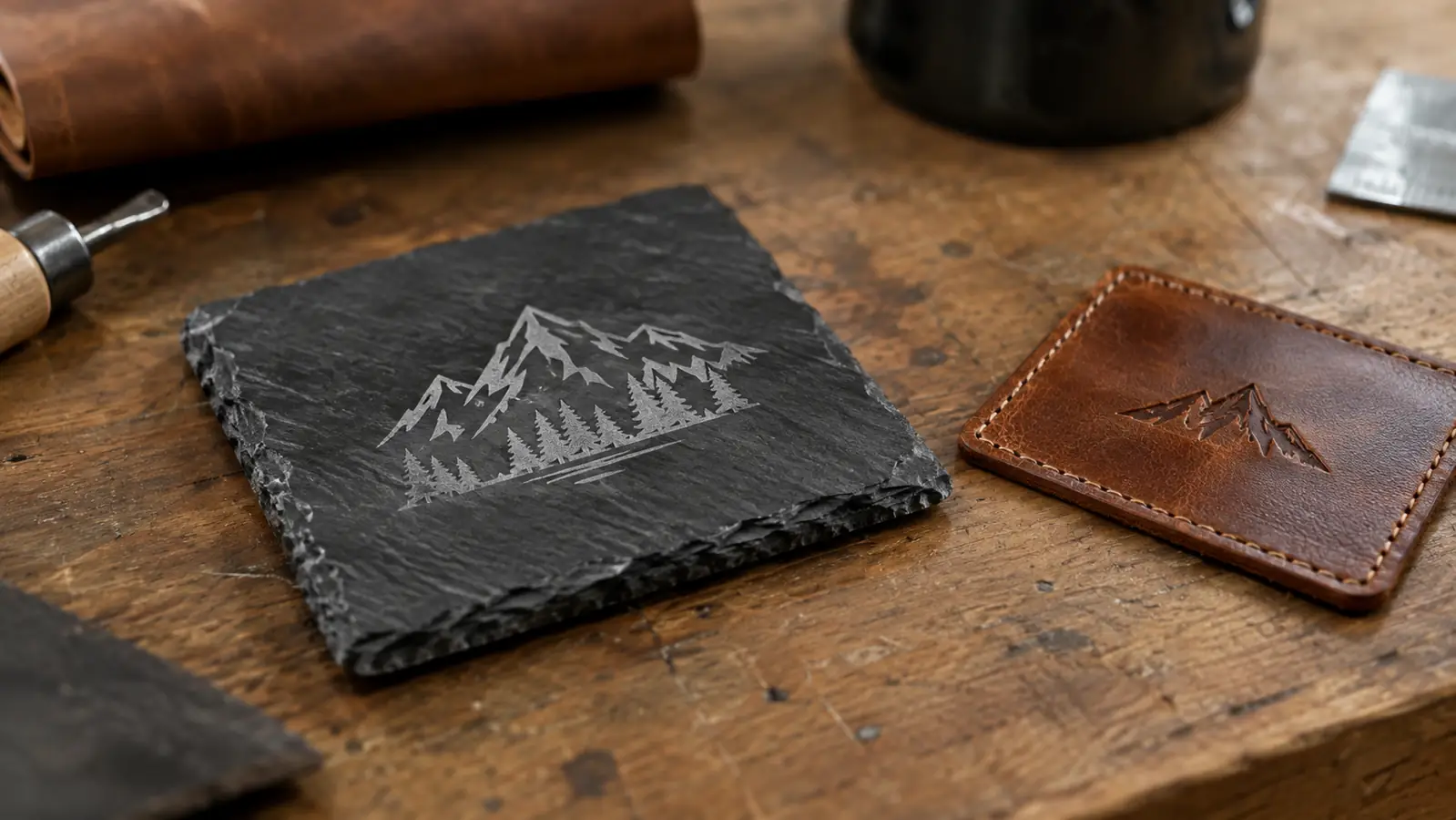
Where the 40W shines is engraving. Leather patches come out with clean, dark lines. Slate coasters etch in about four minutes each. Powder-coated tumblers, once you find the right speed and power, lose the coating where the laser passes and leave a permanent mark underneath. That coated-metal trick is what pays for the machine at craft fairs, because people love a personalized tumbler.
The 600mm/s speed rating is real on light engraving, but I rarely run it flat out. I spend most of my time around 120 to 250mm/s because slower passes give cleaner edges on wood. Anyone who says a diode laser is slow has usually only tried a little 5W pen unit. The 40W S1 is a different class of machine, and the difference shows up in the first ten minutes.
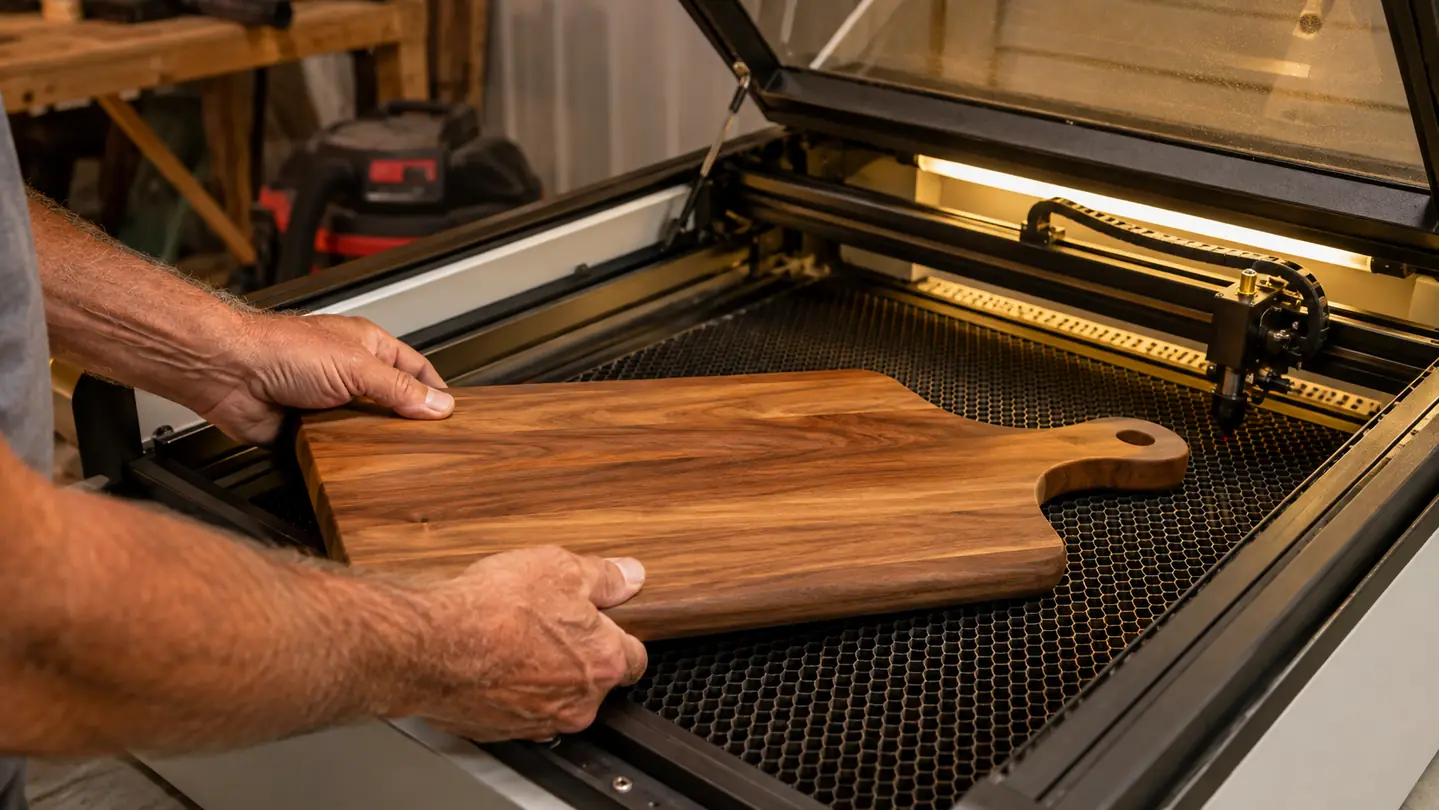
Dark wood is the test I tell people to use. A weak laser burns walnut and cherry. The 40W engraves them clean, which matters if you are selling the finished piece. Nobody at a craft fair wants a board that looks like it was branded with a hot fork. Clean engraving is what separates the machines that earn their bench space from the ones that gather dust.
The Bed, the Rotary, and the Little Things That Add Up
The bed is 23.93 by 15.16 inches. That is enough for a full-size cutting board, a dozen leather patches at once, or a large slate tray. I fit an 18 by 12 inch board in one pass, which is exactly why I did not buy the smaller model. If you are mostly doing tumblers and coasters, the smaller one is tempting, but the first time someone orders a big serving board you will want this bed.
The rotary attachment is the reason the price makes sense for me. It holds a tumbler, spins it under the laser, and keeps the engraving level from top to bottom. I have done maybe 150 tumblers and the misalignment rate is near zero. You do have to center the tumbler by hand and get the height right, but once it is set, it stays set. It also handles mugs and bottles, which widens what you can offer at a fair.
Little things matter more than you expect. The window in the lid lets me watch a pass without opening it and losing the fume flow. The openings on both sides let me run longer pieces when I need to. And the stop button is right where my hand goes when something looks wrong, which saved me exactly once when a knot in a board caught fire. That one moment paid for the peace of mind.
The software takes some getting used to. xTool Creative Space is where I do most of my work, and it does the job. It is not the most polished program I have ever used, but it is reliable, and I have never lost a job to a crash. I also bring in files from LightBurn when I have something complex. Once you learn where the settings live, the workflow becomes second nature.
Where It Falls Short
I am not going to tell you it is perfect, because it is not. The software has a learning curve, and the first week will feel fiddly if you are used to a printer. Plan for that instead of fighting it. I tell people to budget a weekend just for test pieces.
The other honest limit is that a 40W diode is not a cutting machine for thick wood. It engraves, and it cuts thin stock. The moment you try to cut a three-quarter-inch board, you will run pass after pass and still burn the edges. I keep a jigsaw for the rough cutting and use the laser for the finish work, and that division of labor is the whole game.
Smoke and smell are part of the deal. Even with my vent running, a long run of leather or acrylic leaves the garage smelling like a campfire. I do not run it with the door closed, and I would not recommend anyone else does either. This is the one place I will sound like a teacher: read the safety section of the manual before you unpack the machine, not after.
The machine itself has been dependable. In six months I have had one failed job that was my fault and zero mechanical problems. I clean the lens and the rails every few weeks and it keeps going. It is loud enough that I wear ear protection on long jobs, and it throws off heat, so I keep water nearby in the summer. None of that is a dealbreaker, but it is real.
Sixty cutting boards and 150 tumblers later, the only failures have been mine, not the machine's.
Alternatives I Looked At
I almost bought the smaller model before this one, and the bed difference is the reason I did not. I also looked hard at CO2 lasers. If I were mostly cutting thick wood or acrylic, I would probably own one. But CO2 machines are bigger, need more ventilation, and cost more to keep running, and for engraving coated tumblers and wood, the diode does the job without the headache.
I looked at cheaper 20W diodes too. They are fine for coasters and small leather work, but the extra power of the S1 shows up the moment you cut plywood or engrave a dark wood like walnut. A weak laser burns the wood before it marks it. The 40W gets in and out before the heat builds up. If you are going to sell your work, that difference is your reputation.
I also thought about building a laser from a kit. I have the tools and the patience, and I like a project. But the S1 came with the rotary, the air assist, and a warranty, all in one box. For me, that was worth it. I would rather spend my weekends making things to sell than tinkering with a machine that might catch fire.
Maintenance and the Boring Stuff
The maintenance is not glamorous, but it is simple. I clean the lens with the kit that came in the box, I wipe the rails, and I vacuum the bed with my shop vac. That is about fifteen minutes every few weeks. It is easy to skip, but the cut quality tells you when you have been sloppy. A clean machine is a safe machine, and I say that as a former shop teacher who has seen what a dusty tool does to a workpiece.
The other part of maintenance is knowing the consumables. Laser modules wear out eventually, and the rotary has a few parts that will need attention after heavy use. None of that has happened to me yet, but I read the manual so I know what to expect. A tool that is honest about its maintenance is a tool you can trust.
What I would tell a beginner is this: buy the machine, but also buy a box of cheap scrap wood. You will go through a lot of it in the first month. That is not waste, it is tuition. Every test piece teaches you something, and the machine is the most patient teacher I have ever met.
What I Liked
- Pairs with the xTool RA2 Pro rotary for tumblers and mugs
- Large enough bed for full-size cutting boards
- Cuts quarter-inch plywood cleanly in one or two passes
- Engraves dark wood, slate, leather, and coated metal well
- Dependable through six months of near-daily use
- Built-in air assist keeps smoke off the lens
Where It Falls Short
- Won't cut thick hardwood; you still need a saw
- Software has a learning curve
- Ventilation is mandatory, not optional
- Runs warm and loud on long jobs
- Clear acrylic and glass are out of reach for a diode laser
Who This Is For
If you are selling at craft fairs or on Etsy, and your product list includes anything you can engrave, this is the machine that lets you say yes to custom orders without breaking a sweat. If you are a hobbyist who wants to make gifts, it is a joy. If you are retired like me, it is a way to keep teaching yourself things, which is its own kind of retirement plan. The xTool S1 is the tool I reach for most mornings, and that has not changed in six months.
Who Should Skip It
If you want to cut thick wood, buy a saw first. If you only engrave tiny items, the smaller model will save you money and space. If you have nowhere to vent the fumes, solve that before you buy anything. A laser in a closed room is a bad idea, and I won't pretend otherwise. The S1 is a great machine for the right person, but it has to be the right setup too.
Ready to see what the S1 does in your garage?
If tumblers are in your plans, budget for a rotary alongside it. I would buy this machine again today. Check the current price on Amazon, then read the manual before you unpack it.
Amazon Check Today's Price on Amazon →