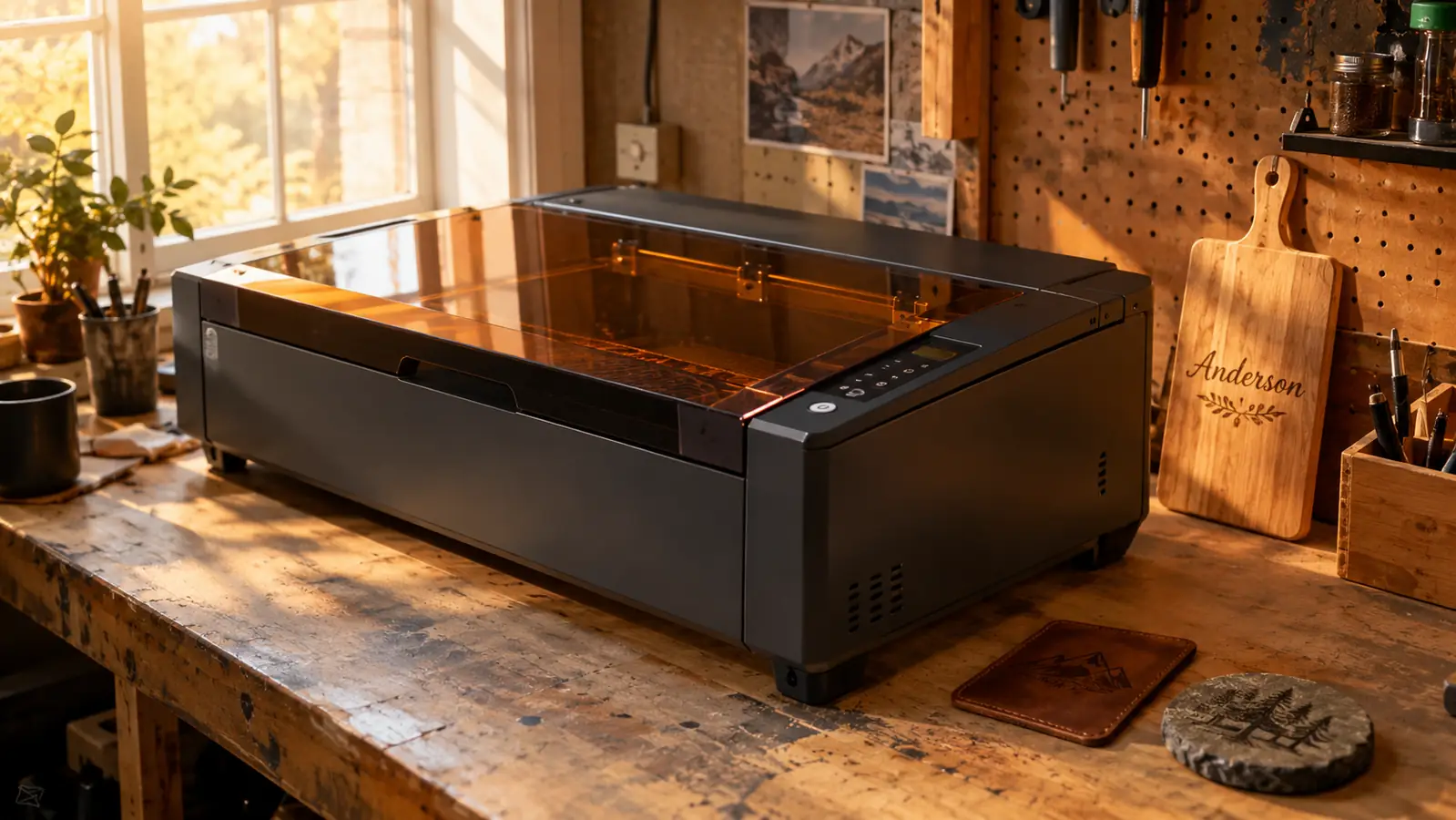
The first laser I bought could cut wood and burn leather, but it flat-out refused to touch metal. I learned that the hard way, standing over the workbench in my garage watching a beam skate across a stainless steel nameplate without leaving a mark. For two years I told customers I could not do metal, and I sent them down the road to a shop across town. Then I got my hands on the xTool F2, the dual-laser machine that pairs a 15W diode with a 5W infrared source, and the nameplates I used to turn away are now one of the things I move most at the Sunday market.
The F2 is xTool's answer to a problem every engraver hits eventually: a diode laser burns wood and leather beautifully but is useless on metal, and a fiber laser handles metal but will not touch wood. Most hobbyists have to pick one lane. The F2 stacks both light sources in a single machine about the size of a small printer. I have been running one for eight months, and I want to walk you through what it actually does, where it earns its keep, and where it still frustrates me.
The Quick Verdict
The only desktop machine I have used that genuinely handles both metal and wood without me swapping anything but the settings.
Amazon Check Today's Price →Want one machine for metal and wood?
The xTool F2 pairs a 15W diode with a 5W infrared laser in a single desktop frame. Check today's price on Amazon to see what the dual-source setup runs.
Amazon Check Today's Price on Amazon →How I've Used It
I retired from teaching shop at the high school four years back, and my garage in Tucson became my second career. My wife Linda runs the Etsy listings and takes the photos; I run the machine and build the product. In eight months with the F2, I have engraved maybe two hundred cutting boards, a pile of leather patches for a ranch supply shop, slate coasters for a local brewery, and more stainless steel nameplates than I can count.
The F2 lives on the back wall of my garage next to the shop vac, with a window I crack open for fumes. I started with the diode side only, because that is what I knew from years of working with wood. The infrared side took me a week to trust, because I kept expecting it to do things a dedicated fiber laser does. Once I stopped comparing it to a fiber unit, it became a different tool entirely.
I keep a test board in the corner of the garage, a scrap of maple with a grid of settings burned into it. When I try a new material, I run a few test boxes at different power and speed before I commit a real blank. That habit has saved me more wood and leather than I can measure, and it is the first thing I tell anyone starting out.
The Two Lasers, Explained
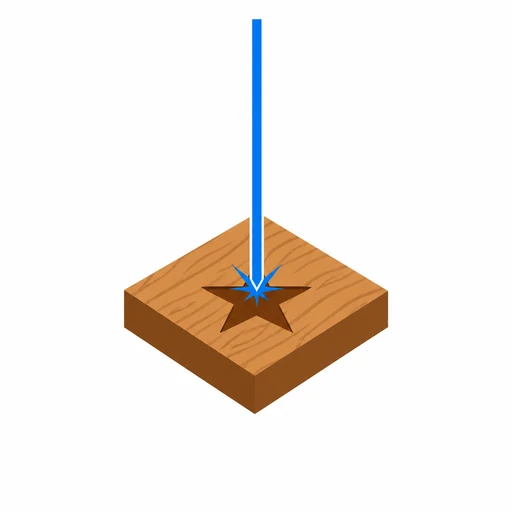
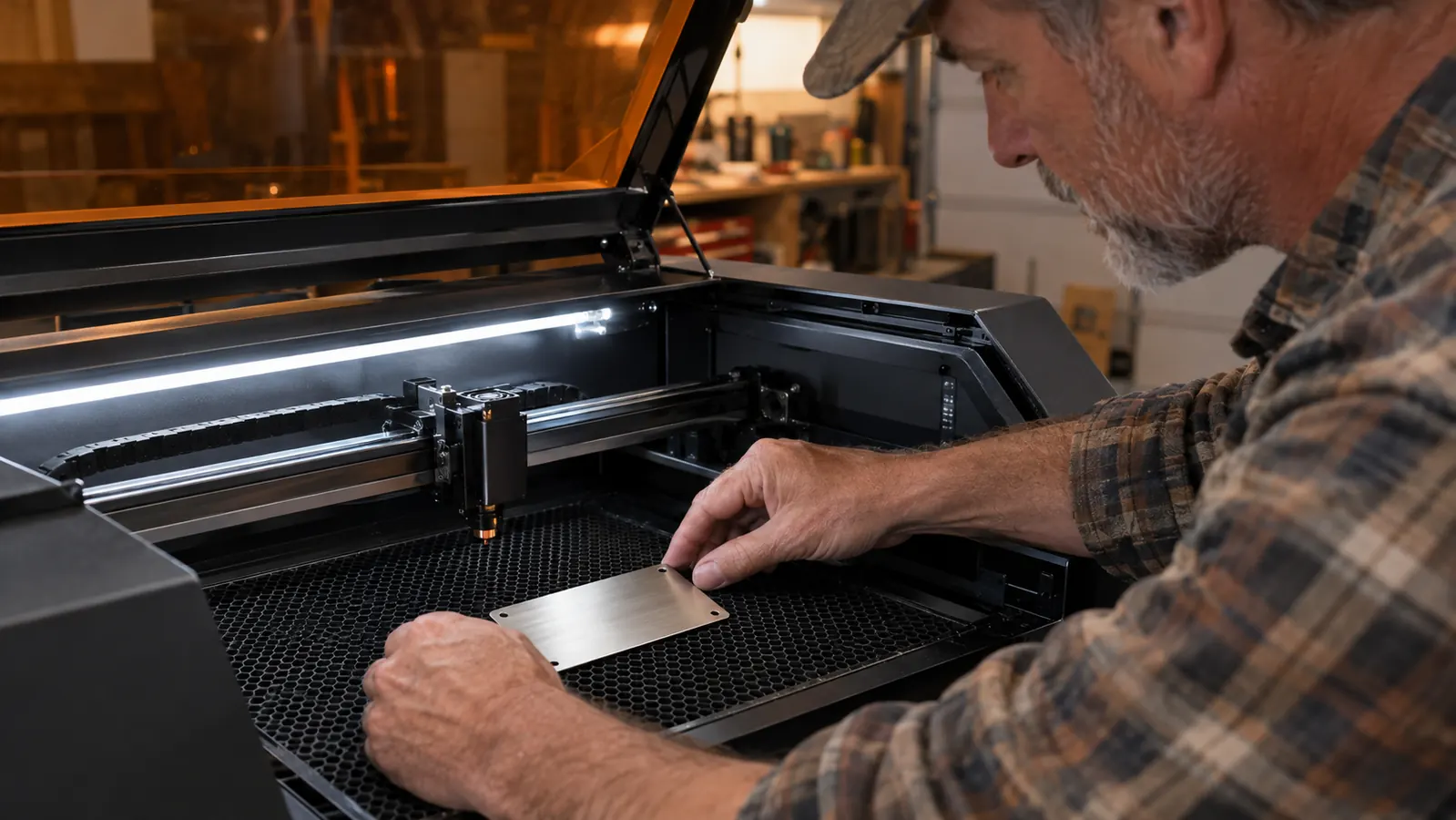
Here is the part that confused me at first, so I will spell it out the way I would for a student. The 15W diode laser is the workhorse for anything organic: wood, leather, bamboo, slate, and food-safe marking on cutting boards. It burns a dark mark into the surface by heating it. The 5W infrared laser is the opposite: it works on metal and some plastics by changing the surface oxide layer. On stainless steel it leaves a dark, permanent mark. On aluminum it can leave a light mark or a dark mark depending on the settings.
Both lasers share the same frame and the same software, so you set up your file, pick the light source in the program, and the machine moves the correct head into place. That switching is the whole trick of the F2. On a single-source machine, a metal job meant loading a different file onto a friend's fiber unit across town. With the F2, I change a dropdown and hit start.
Metal Results: What the 5W Infrared Laser Actually Does
I ran a lot of tests before I trusted the infrared side. The first thing you need to know: this laser marks metal, it does not cut it. If you want to cut through a steel sheet, you need a real fiber laser with a much higher wattage and a much bigger cost. What the F2 does is put a permanent dark mark on stainless steel, aluminum, and coated metals. For a nameplate, a dog tag, a tool handle, or a business card in a metal holder, that is exactly what you want.
My go-to test is a stainless steel nameplate, the kind you bolt to a mailbox or a boat. At the right speed and power, the F2 lays down a mark that does not wipe off and does not rust. I sanded one, scrubbed it, and left it outside in the Tucson sun for a month before I started selling them. It held up. Aluminum is a little trickier, because the mark comes out lighter, but with the right settings you get a clean, readable result.
I have also marked anodized aluminum keychains and small steel tags for tool handles. The infrared source removes the anodized layer of aluminum in the beam path, which gives you a light mark that stands out against the finish. For a craft fair table, a row of those keychains with names and dates sells a lot better than a pile of blanks. It takes some experimenting to find the right power, which is exactly why I keep that test board around.
Wood, Leather, and Tumblers: Where the 15W Diode Earns Its Keep
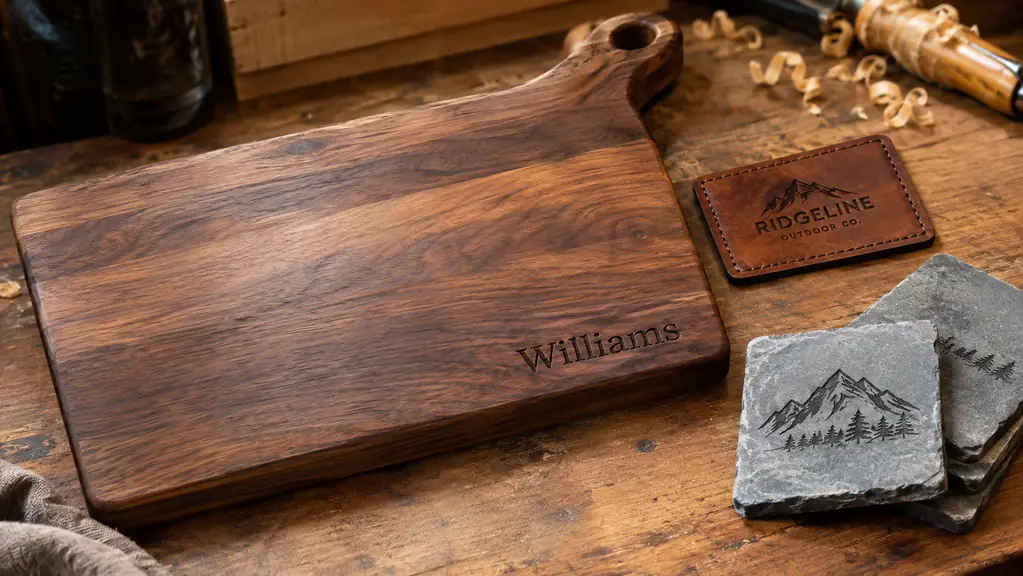
The diode side is what I use most, because wood is what sells for me. I cut and sand my own walnut and maple boards, then engrave names and logos. The F2's work area is about ten and a half inches square, which fits a good-size cutting board and every coaster I make. The 15W burns a clean, dark line into hardwood in one pass at a moderate speed; on softer woods like pine I slow it down so the edges do not char.
Leather is where the F2 surprised me. I buy vegetable-tanned leather patches by the dozen for a guy who runs a ranch supply shop, and he wants his brand burned in clean. The diode does it without scorching the edges as long as I keep the power down. Slate coasters come out crisp, and I have also done glass, though that takes a couple of passes and a patient hand with the settings.
Tumblers are a separate story. I use a rotary attachment to hold a powder-coated tumbler while the laser spins it. The combination of the camera and the rotary makes lining up a design on a curved surface much easier than it was on my old setup, and the powder coat takes a clean mark without burning through. The first time I delivered a dozen matching tumblers to a customer who ordered them as gifts, I knew the rotary was going to pay for itself. If you want to sell engraved tumblers at a craft fair, this machine is a legitimate way to do it.
The Built-in Camera and Software
The 50MP camera is not a gimmick, and that surprised me. The lid opens, the camera takes a picture of what is in the bed, and the software overlays your design on the photo so you can drag it into position. For someone who sells one-off pieces with names on them, that saves a lot of fiddling and a lot of ruined blanks.
The software is xTool Creative Space. It is free, it updates regularly, and it does the basics well: import an image, adjust power and speed, send the job. It is not as deep as LightBurn, which is the program a lot of serious engravers move to eventually. You can export from Creative Space and run LightBurn with the F2, but I have stayed with the stock software because it does everything I need and the camera integration lives there. The one thing I would tell a beginner is to update the firmware before the first job, because the first unit I ran had a quirk with the camera overlay. A ten-minute update cleared it up, and I have not had a problem since.
Where the F2 Falls Short
I want to be straight about the limits. First, the infrared laser is slow on large metal pieces. A small nameplate takes a couple of minutes; a big steel sign would take far too long, and I would not recommend this machine for that job. Second, the work area means you are staying in the small-batch lane. A board wider than ten and a half inches is not going to fit. Third, the F2 needs ventilation. I run mine with the window open and the shop vac pulling air; it is not a machine you want in a living room.
The other thing I will flag is the price of accessories. The rotary attachment is extra. The riser base is extra. If you buy the full kit, it adds up. That is not a complaint about the machine itself, but it is a real part of the cost you should plan for before you buy. xTool sells bundles that include the rotary and other add-ons, and if you are starting from nothing, the bundle is usually the smarter way to go.
One more honest note: customers do not care how many lasers your machine has. They care that the nameplate is readable, the board is smooth, and the order shows up on time. The F2 is a tool that makes those things easier for me, but I still sand every board and check every nameplate before it goes in the box. No machine fixes bad finishing, and that is true no matter what you buy.
What I Liked
- Genuinely dual-source: 15W diode for wood and leather, 5W infrared for metal, with no head to swap
- The 50MP camera makes positioning one-off jobs fast and almost waste-free
- Small desktop footprint that fits on a garage workbench
- Free software covers engraving, image import, and camera alignment out of the box
Where It Falls Short
- Infrared side marks metal but cannot cut it; a fiber laser is still the tool for cutting steel
- Work area tops out around ten and a half inches square
- Rotary attachment and riser base cost extra
- Needs real ventilation, so it is a workshop tool, not a living-room toy
The F2 is the first machine I have owned that lets me say yes to a metal job instead of apologizing and pointing the customer down the road.
Who This Is For
If you are a hobbyist who wants to sell engraved cutting boards and leather patches at weekend markets, and you have also turned away metal jobs because your current machine cannot do them, the F2 is the machine that closes that gap. It is also a good fit for a small business that does nameplates, tags, and small-batch custom work, because the camera and the dual lasers mean you take fewer bad runs and spend less time setting up.
The F2 rewards someone who is willing to learn the settings. I have taught enough students to know that some people want a machine that does everything with one button. This is not that. But if you enjoy the tinkering, the way I did in the shop classroom, you will pick it up quickly.
Who Should Skip It
If your main job is cutting through thick wood or plastic sheet, this is not the machine. A diode laser of any wattage is a marking and light-cutting tool, and a larger dedicated diode or CO2 setup will do deeper cuts faster. If you need to cut steel or mark production volumes of metal parts, you need a fiber laser, and you should budget accordingly. The F2 is not a substitute for that.
And if you only engrave wood, the infrared side is wasted money. A cheaper single-diode machine will do your cutting boards and coasters fine. You are paying for the dual-source capability, so buy it only if metal jobs are actually in your near future. I made the mistake of buying a machine that was too small for the work I wanted early on, and I would rather you avoid that by being honest about your own jobs.
If you are still on the fence, I will put it the same way I put it to a friend last month: the F2 is not the machine for every job, but it is the only desktop laser I have used that does not make me pick between wood and metal. For my workbench, that is worth a lot. And if you decide it is not a fit, you will know it before you buy, and that is worth something too.
Ready to say yes to metal jobs?
The xTool F2 combines both lasers in one desktop frame. See today's price on Amazon and decide if it fits your workbench.
Amazon Check Today's Price on Amazon →