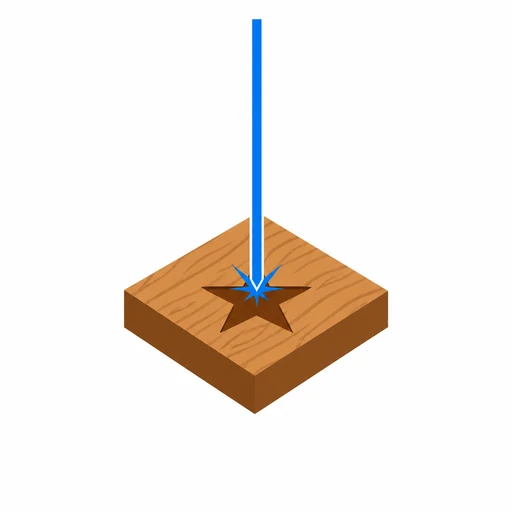
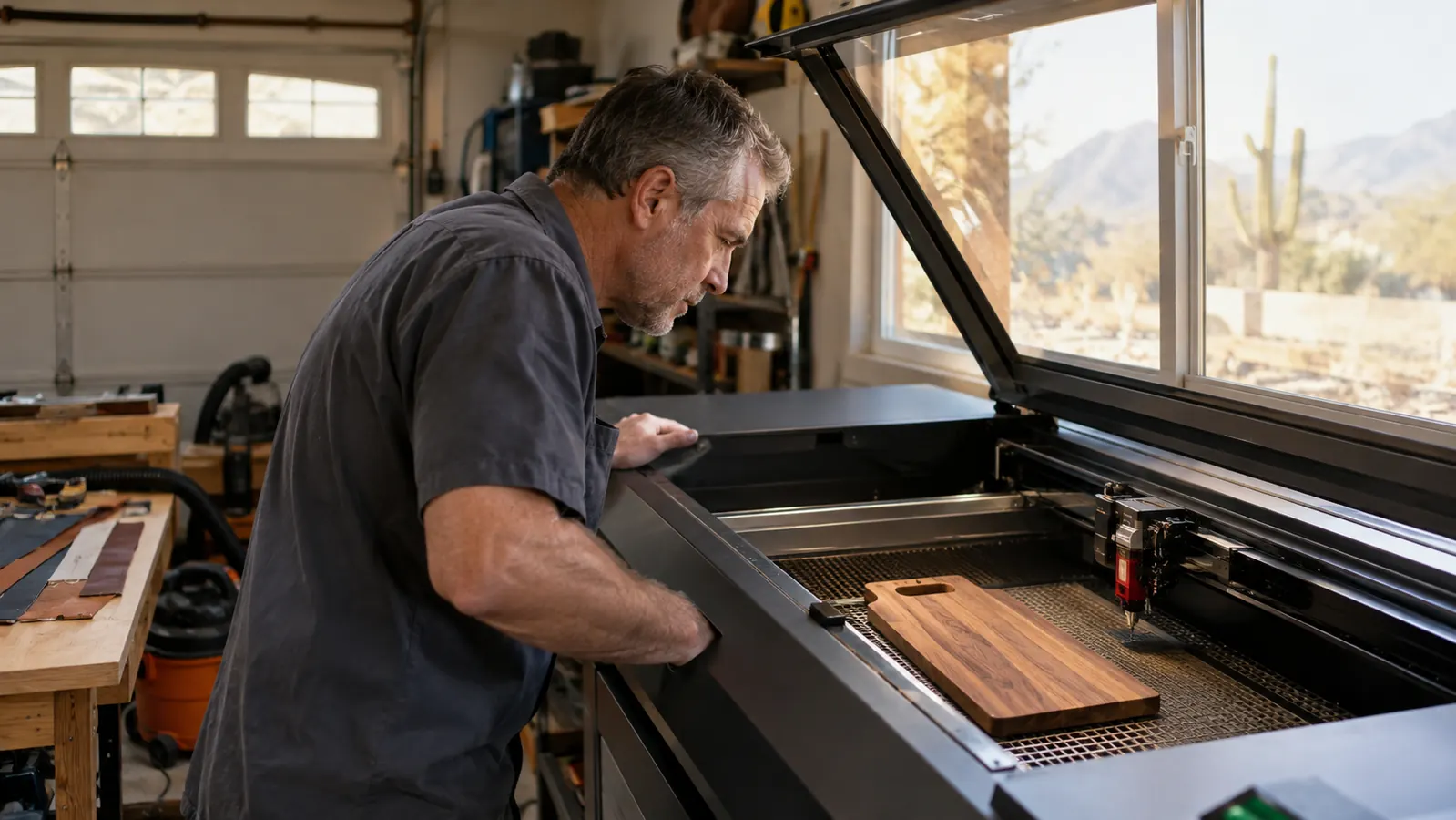
Here's the short answer before the long one: if your craft table is built on cutting boards, wooden signs, leather patches and slate coasters, the xTool S1 is the machine to buy. If your table leans toward small personalised pieces, bare metal tags, jewelry blanks and anything that has to be done fast, the xTool F2 earns its spot. Both carry the xTool name, both are enclosed, and both will engrave wood and leather. The difference is in what else they do and how they do it. The S1 is a big-bed 40-watt diode machine that cuts and engraves. The F2 is a compact dual laser, a 15-watt diode and a 5-watt infrared in one machine, built for speed and for marking metal. I'm going to explain both the way I'd talk to a student at my bench, starting with what each one is actually for, because the spec sheets do not tell you which one fits your table. Both machines live in my two-car garage in Tucson, and I've run enough jobs on each to know which ones I hand to which.
People ask me every week which one to buy, and the answer is always the same question back at them: what are you engraving next week? If the answer is a stack of maple boards, a run of wooden signs or anything you need to cut out rather than just mark, that's S1 work. If the answer is fifty stainless dog tags, a tray of brass keychains or a batch of small wooden ornaments that have to be done before Saturday, that's F2 work. I sell at weekend craft fairs, and for most of my table the honest answer has been the S1. But since the F2 arrived, the small, fast, metal jobs have quietly moved over to it, and I don't miss doing them the old way.
How I Ran This Comparison
I'm not a lab, and I'm not paid by either machine to cheer for it. I'm a retired high-school shop teacher who runs lasers in his garage and sells what comes out of them. The S1 has been my main machine for a good while now, and the F2 came later, once metal and small-parts orders started showing up often enough to justify it. For this comparison I ran the same jobs on both where I could: a monogram on maple, a logo on a leather patch, text on a slate coaster, and a name on a stainless steel tag. Where a job only made sense on one machine, I say so. I've burnt plenty of wood and ruined a few metal blanks learning what not to do, and that's the kind of experience this article is built on.
One thing up front: I am not going to tell you one is better. They are different tools with different jobs, and the brand's own marketing tends to blur that line because xTool would love for you to imagine owning both. That's a fair dream, honestly, and it's where I ended up. But if you can only put one laser on your bench this year, this is the comparison I wish somebody had walked me through before I bought my first machine, so here it is.
| xTool S1 40W | xTool F2 | |
|---|---|---|
| Laser source | 40W diode | Dual: 15W diode plus 5W infrared |
| Cutting wood | Cuts basswood, plywood and thin hardwood at the right settings | Diode handles thin material; not built for thick cuts |
| Bare metal | Needs coated metal or a marking spray to leave a mark | Infrared marks bare stainless, brass and many plastics directly |
| Work area | Large bed, room for two small cutting boards at once | Compact, built for small parts and personalised pieces |
| Speed on small items | Steady gantry, fine for boards and signs | Fast, built for quick runs of small pieces |
| Tumbler work | Pairs with the xTool RA2 Pro rotary; check the listing for what the bundle includes | Uses the xTool RA3 rotary, sold separately |
| Learning curve | Forgiving; a bad setting burns wood you can sand down | Two lasers means two sets of settings; metal mistakes are permanent |
| Who it's for | The beginner building a wood-first craft fair table | The maker with small, fast and metal work coming in |
Where the xTool S1 Wins
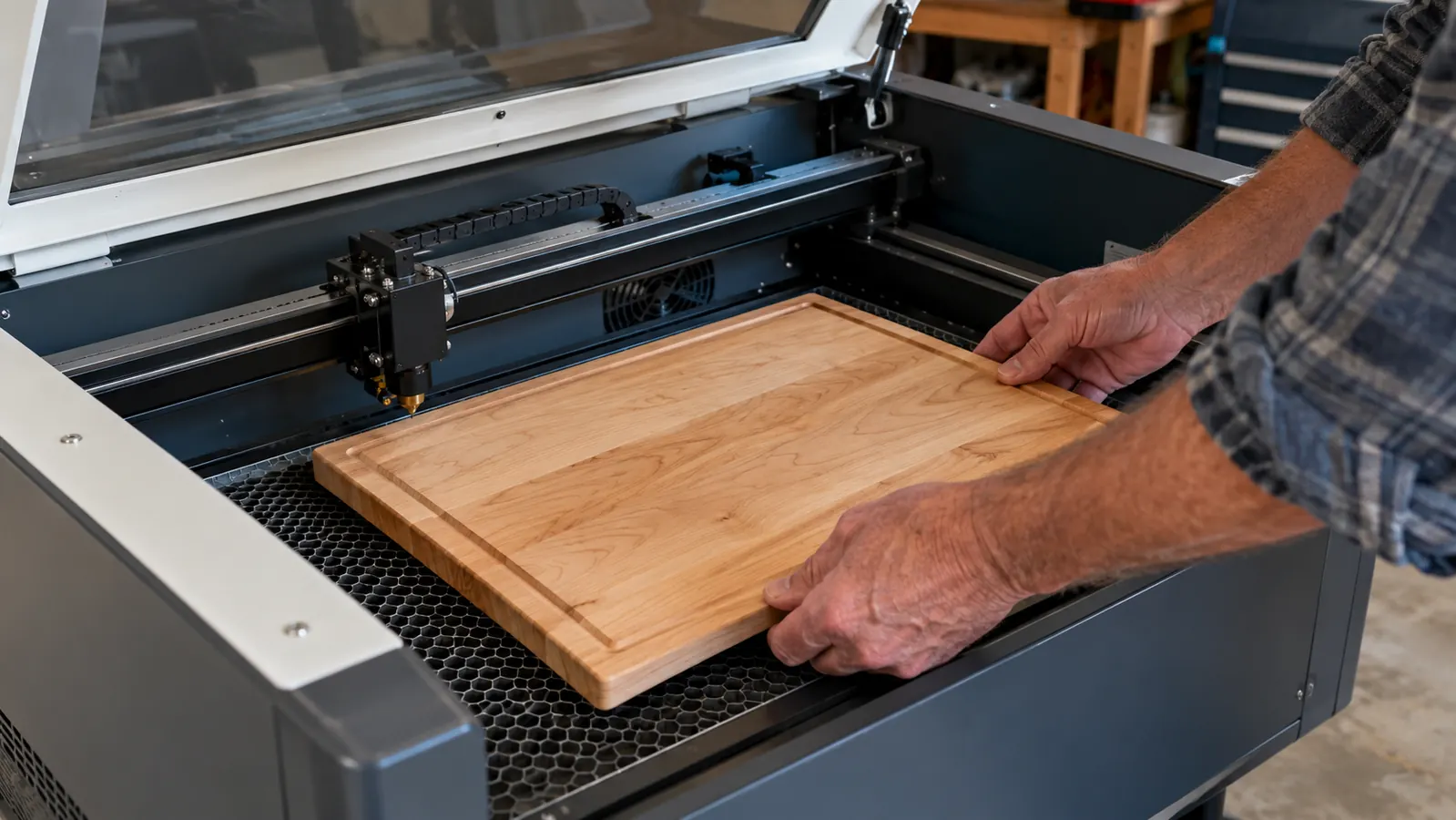
The S1 wins the moment your job is big or involves cutting. That 23.93 by 15.16 inch bed is why I can drop a full-size maple cutting board on the grate without planning around the corners. My best seller at craft fairs is a maple board with a name engraved in the corner and a couple of rings around the border, and I can fit two of them on the bed at once. Forty watts of diode also means I can cut out wooden ornaments, letters and sign blanks instead of buying them pre-cut. Wood is the most forgiving material a beginner can learn on. A wrong power setting burns the surface, and twenty minutes with sandpaper fixes it. That mistake costs you a board, not a machine, and the lesson sticks either way. That's not a spec sheet boast, it's the difference between enjoying an afternoon of work and fighting the machine all day.
The S1 is also the machine that taught me tumblers. Powder-coated tumblers engrave beautifully under a diode laser, and with the xTool RA2 Pro rotary on the bed the machine turns the cup while I trim leather patches at the bench. One note on the listing: it is titled as a rotary bundle, but it doesn't spell out what's in the box, so read it carefully before you assume a rotary comes with it. For a craft fair table, that range is the whole game: cutting boards, leather patches, slate coasters and tumblers, all from one machine, with a material switch that takes about three minutes. The switch is easy because xTool's software keeps a material library, so once I've dialed in maple, leather and slate, the settings are there the next time and I don't fight the menus.
The other thing the S1 does quietly well is fit normal life. It's enclosed, which means I can run it in the garage with the window open and only catch a faint smell of burnt wood instead of a plume of smoke. Waste is easy to manage: a shop vac and a blast of air between jobs, and the grate is ready for the next project. For someone starting in a garage exactly like the one I started in, that's the difference between a machine that gets used and one that stays in its box.
Where the xTool F2 Wins
The F2 wins the moment your material is bare metal or your order is a pile of small pieces. Its infrared laser marks stainless steel, brass and a lot of plastics directly, with no coating, no spray and no prep. On the S1, bare metal means brushing on a marking compound, letting it dry, engraving through it and scrubbing the residue off, and even then it's a surface mark. On the F2, a stainless dog tag goes in plain and comes out with a crisp, dark name on it in well under a minute. I make tags for a local kennel now, and that job simply would not be worth doing the old way.
The F2 is also fast. It steers the beam with mirrors instead of dragging a heavy head around a gantry, so small engravings that take a few minutes on the S1 are done on the F2 before I've finished wrapping the last one. For a run of forty wooden keychains or a tray of leather tags, the diode side of the F2 keeps a pace the S1 can't match. That speed comes with a smaller work area and a steeper learning curve. Two lasers means two sets of settings to learn, focus height matters more, and a wrong pass on metal is unforgiving in a way that a burnt cutting board is not. You learn on metal with a faster heartbeat, is what I'll say.
I should also say the F2 is not the machine for a shop built on big wooden pieces. Its bed is small, its diode is meant for engraving and thin material rather than cutting thick boards, and the cost of entry is not lower. If your table is built on cutting boards and signs, the F2 is a second machine, not a first one. That's not a knock on it. It's just honesty about what a compact dual laser is for.
If wood and tumblers are your table, the S1 is the honest buy
It cuts, it engraves a big bed of boards at once, it pairs with the RA2 Pro for tumblers, and it survived every beginner mistake I threw at it without a trip to the repair shop. I'd buy it again, and I don't say that about every tool on my bench.
Amazon Check Today's Price on Amazon →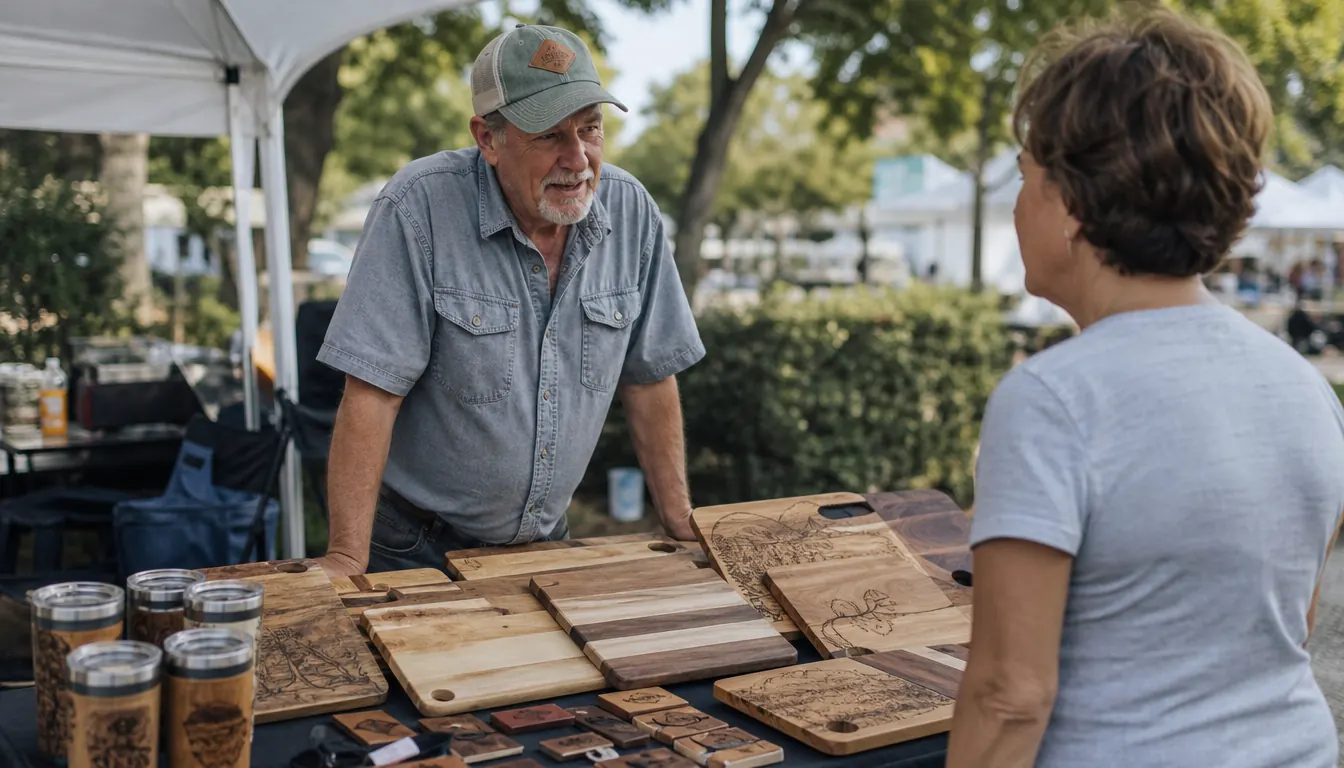
Two Things to Ignore in the Marketing
First marketing claim to ignore: that a newer, faster machine makes the one you have obsolete. It doesn't. The S1 and the F2 sit on my bench doing different jobs, and the makers who do best at my craft fair usually run more than one tool. Second claim to ignore: that one machine can do everything your shop will ever need. No machine does everything. The S1 does a lot, the F2 does a different lot, and the sooner you accept that, the sooner you stop staring at spec sheets and start making things.
And the biggest thing to ignore: the idea that you need the most powerful laser on the market before you've sold your first cutting board. My first machine was smaller than the S1 and half as capable. I still burnt a dozen boards learning air assist and focus distance. Power doesn't teach you anything. Repetition does, and repetition is cheapest on a machine you can afford to make mistakes on.
Accessories Worth the Money
If you buy the S1, spend the first money not on more power but on a decent air assist and a honeycomb work table. Air keeps the flame out of the cut line and honeycomb lets the smoke escape underneath, and together they are the difference between crisp edges and charred ones. I run both on every job now, and my burn marks on cutting boards went from something I sanded away to something I'm proud to show.
The rotary is the accessory most people end up wanting, and it's a different one for each machine. The S1 pairs with the xTool RA2 Pro, and the F2 uses the xTool RA3, so do not buy one expecting it to fit the other. Check what the S1 listing includes before you order a rotary separately. And grab a small digital caliper for setting focus height and measuring tumbler diameters. It's cheap, it never wears out, and it will save you more material in a month than any other tool on the bench.
Who Should Buy Which
If your week involves cutting boards, signs, leather, acrylic and tumblers, buy the S1 and don't look back. It's the machine I recommend first to every beginner who messages me, because it does the widest range of craft-fair jobs and it punishes you gently while you learn. If your week is built around bare metal, small personalised pieces and speed, the F2 is the better buy, and you shouldn't ask the S1 to do a job it can only do the slow way. The honest truth from my bench is that I started on the S1, I'm keeping it, and the F2 earned its place next to it once metal and small-batch work became a real share of my table. They aren't interchangeable. That's exactly the point.
And if you think you'll do a little of both, hear me out: start with the S1. It's the machine that lets you make mistakes cheaply, build a customer base, and learn what your local craft fair actually buys. When the small metal orders start coming in often enough that you're turning them down, that's when the F2 makes sense. You'll know by then whether metal is your next table or just a nice idea.
The laser I'd hand to someone starting from zero
A garage full of burnt prototypes taught me more than any manual. If you're starting out and you want one machine that does the widest range of jobs, this is where I'd point you.
Amazon Check Today's Price on Amazon →