When I started engraving four years ago, I did what a lot of guys my age do when they pick up a new hobby: I bought too small. My first machine could mark a cutting board, barely. Slate coasters took three passes and came out looking like a bad photocopy. Tumblers were out of the question. I burned more pieces in my first month than I sold in my first season, and I stood at that craft fair watching a guy with an ACMER S2 knock out a batch of clean slate coasters while I fiddled with my settings.
If you are standing where I stood, wondering what machine to start with, here are ten reasons to start with a 20W diode laser instead of repeating my mistake. None of this is a promise of income or some magic formula. It is what four years of weekend craft fairs and Etsy orders have taught me about the machine I would actually buy first if I had to do it over.
The machine I would put on a beginner's workbench
The ACMER S2 is a 20W diode laser with 25L air assist built in, which means no separate pump to wire up before your first job. It is the starting point I wish I had four years ago.
Amazon Check the ACMER S2 on Amazon →20 watts is the line between marking and cutting
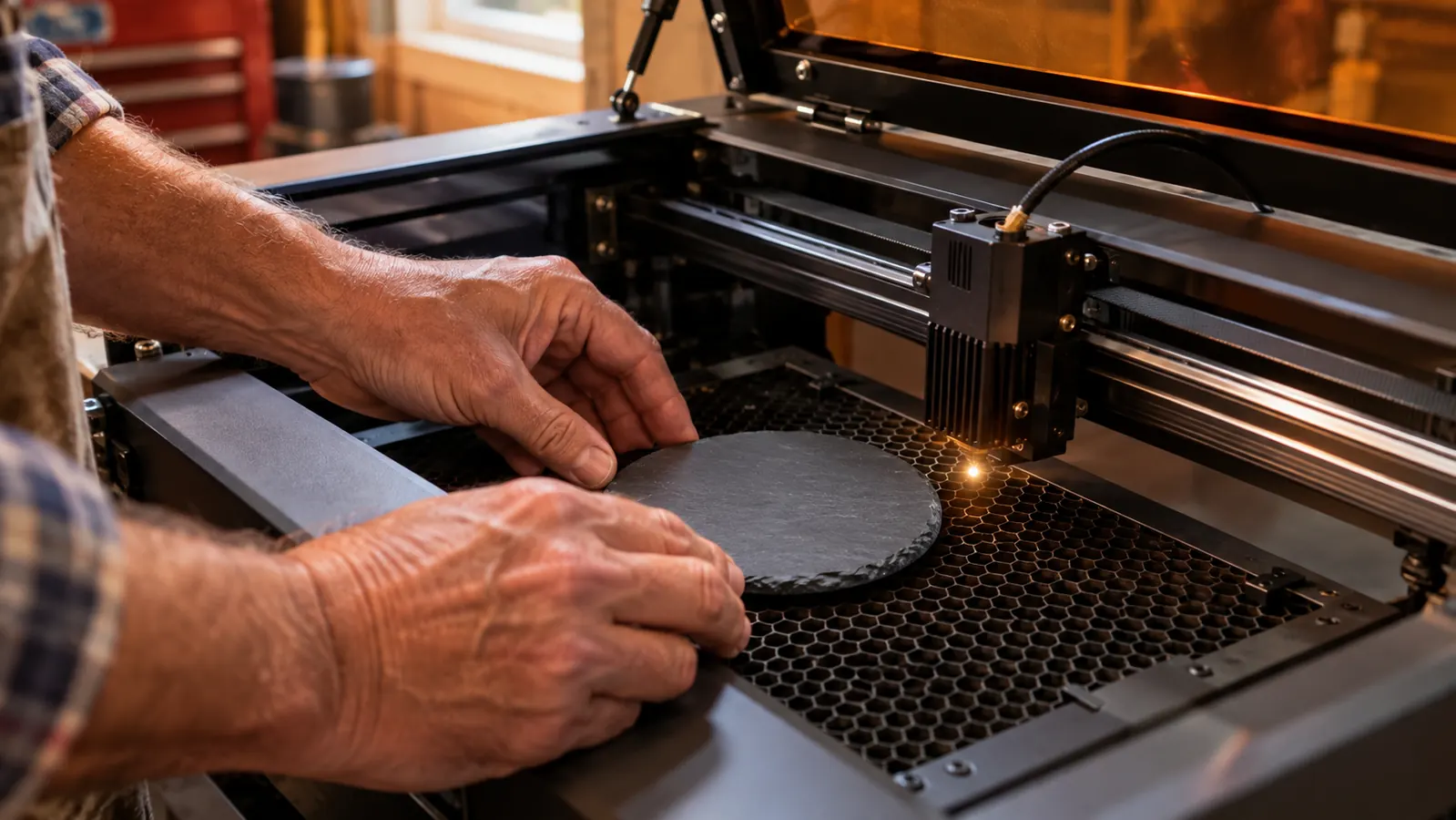
A 5W diode marks a surface. A 20W diode does real work. The S2 engraves slate in a single pass, burns a clean line into a leather patch, and strips powder coating off a tumbler in two or three passes instead of eight. It still will not cut thick hardwood the way a CO2 laser will, and anyone who tells you otherwise is selling something. For the pieces a beginner actually sells at a craft fair, this is the wattage where the machine stops fighting you. You want room to make mistakes and recover, and 20W gives you that room.
It runs on the outlet you already have
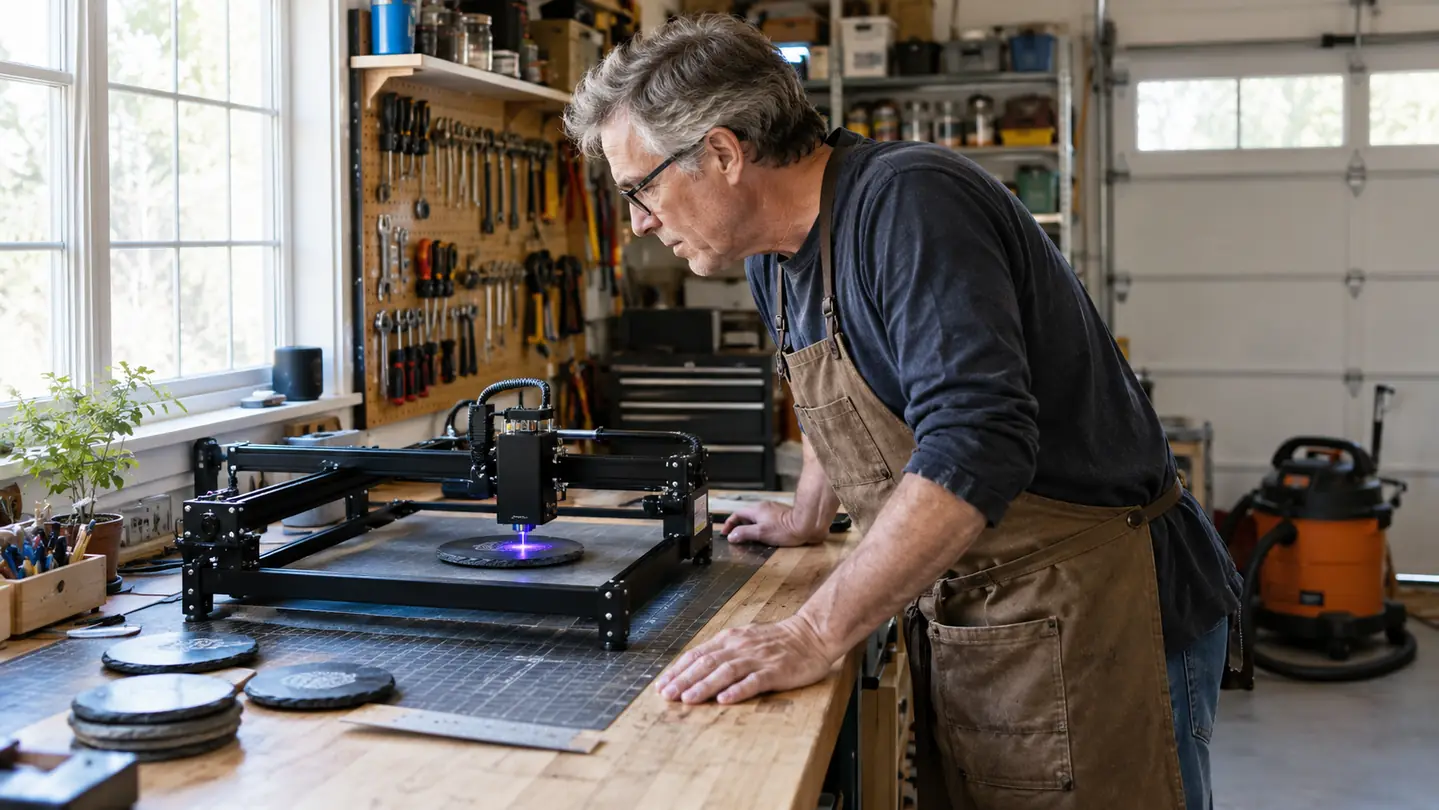
My garage has a standard 110V outlet and nothing else. A CO2 machine would have meant an electrician, a water chiller, and a long conversation with Linda about why the garage now needs its own subpanel. The ACMER S2 runs on the same circuit as my shop vac. The biggest hidden cost of getting into this hobby is the infrastructure, and this machine quietly removes most of it. No special wiring, no rented space, no month of explaining what a breaker is. If you have a workbench and an outlet, you have a laser shop.
It lives on a workbench, not in a dedicated room
The S2 is a desktop unit. It sits on the workbench along the back wall of my garage, and when I need the bench for a different project, it slides aside in a couple of minutes. I parked the car outside for the first month while I figured out the layout, and that worked fine. You do not need a separate workshop, a ventilated room, or a converted bedroom. You need a flat surface, a window you can crack, and a shop vac within reach. That is the whole facility, and it is probably already in your garage.
Air assist is built in, and you will want it from day one
Air assist blows smoke and debris away from the cut line, which cuts down on the scorching along the edges of an engraving. On the S2, the 25L air assist is part of the machine rather than an add-on you have to source and hook up yourself. My first machine had nothing like it, and I watched half of my early coasters come out of the tray with a brown haze I could not scrub off. Every engraver has a stack of pieces that almost worked, and air assist moves most of them into the sold column. You can skip that lesson entirely.
The software is the same one the pros use
The ACMER S2 runs on LightBurn, which is the same program used by machines that cost several times as much. That means the skills you learn here transfer directly if you ever step up to a bigger unit. LightBurn even has a free trial, so you can sketch a design at the kitchen table before the machine arrives. You are not learning dead-end software that only works with one box. You are learning the tool commercial shops use every day, and that makes each hour of practice worth more than it would be on a closed-off beginner system.
It handles the materials people actually buy
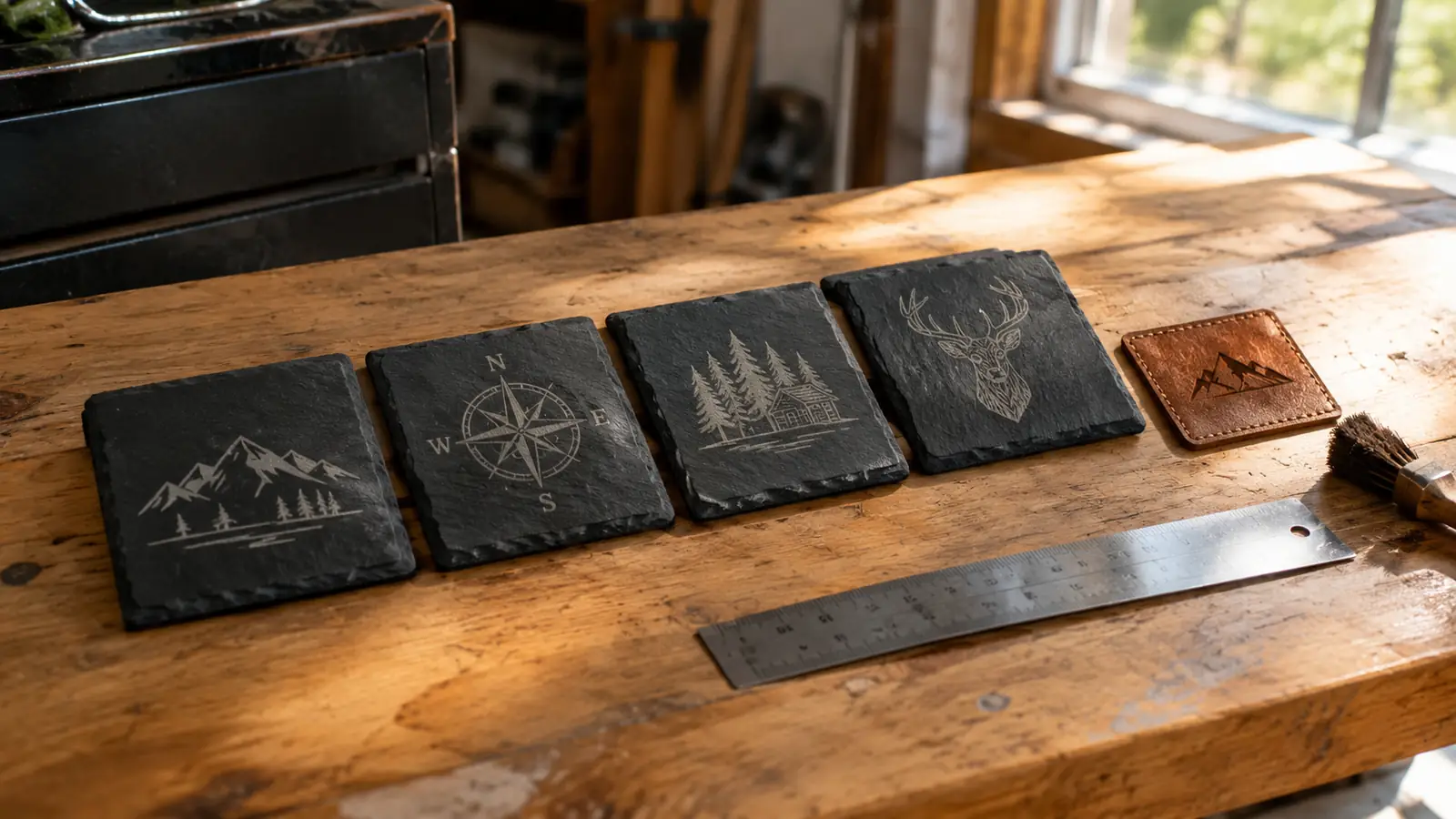
Four years in, the work I sell is mostly slate coasters, leather patches, cutting boards, and powder-coated tumblers. The S2 does all of them well. Fine text on a leather patch stays sharp. A photo on slate keeps its midtones. A logo on a tumbler holds up through more dishwasher trips than the early pieces I made on my first machine. That range matters because nobody builds a craft fair business on one material. When the details hold up, customers notice, and that is how repeat buyers happen.
Batch work is repeatable enough to sell at a fair
A craft fair means making the same item twelve times in a row, which demands a machine that holds its settings. Once I dial in a slate coaster I like on the S2, the next eleven come out the same. It will not engrave a full coaster in thirty seconds, and I will not pretend it will. Give each piece the few minutes it needs, and you can build a fair day's inventory without standing over the machine the whole time. The repeatability is what separates a hobby from a side hustle.
The safety basics are easier to keep straight
Diode lasers are not toys, and I will say that plainly. You need safety glasses rated for the wavelength, you need to vent the fumes out a window, and you need to keep the beam away from your face. A desktop diode is a more contained starting point than a large CO2 unit, so it is easier to build good habits from the first day. Read the safety part of the manual before the settings part, and you will be fine. And never cut PVC or vinyl, because those fumes will hurt your lungs and your machine.
You can move up later without wasting what you learned
My mistake was starting too small. A different mistake I see beginners make is buying a big industrial unit before they know whether they even like the work. The S2 is the middle path. Everything you learn here, the focus distance, the material settings, the design prep, carries straight over to a larger machine later. Every hour you spend on the S2 is an hour that still counts the day you upgrade. If you decide engraving is not for you after a year, you are out a modest investment. If you love it, you have a paid-for skill set and a backup machine.
It is a real machine from a brand that answers
The ACMER S2 is not a mystery-brand import that shows up with a manual full of bad translations and no way to get help. ACMER answers questions, and replacement parts like lenses and modules are easy to find. When a machine that feeds your craft fair inventory needs a new part, you want it in days, not months. Good support is invisible until you need it, and then it is everything. That is the kind of thing you only appreciate after you have been burned by the alternative, and I have been.
What I'd Skip
I would skip the cheap toy lasers that show up in your feed. I started below 20W, and the wasted material alone paid for the better machine. I would also skip the oversized industrial diode units that fill half a garage and need ventilation you do not have. And I would think twice about buying an orphaned brand no one has heard of, because when parts go bad, you are on your own. The middle machine is the smart machine.
The built-in air assist saved more of my early coasters than any skill I learned in my first year.
Start where I should have started
If I were buying my first engraving machine today, knowing what four years of craft fairs and Etsy orders have taught me, the ACMER S2 is the one I would put on that workbench. It has the power to do real work, the software to grow with, and the support to keep you running. Go look at it and decide for yourself.
Amazon Check the ACMER S2 on Amazon →