I have been running a laser engraver in my garage for about four years now, and I have watched a lot of neighbors and former students buy their first machine. The pattern is almost always the same. They buy something too small, or they buy something with a name they cannot pronounce, and then they spend a month fighting the software instead of making anything. When I decided to test the Acmer S2 20W, I wanted to find out whether a starter diode laser could actually do the kind of work I sell at weekend craft fairs, or whether it was just another toy that looks good in a product photo.
The short answer, after six months of steady use, is that the Acmer S2 20W is a real machine. It is not a replacement for a CO2 laser, and I would not pretend otherwise. But for a beginner who wants to engrave cutting boards, slate coasters, leather patches, and powder-coated tumblers, it does real work at a price that makes sense. I burned a few boards learning its limits, and I want to tell you exactly what those limits are so you do not have to learn them the same way.
The Quick Verdict
The Acmer S2 20W is the machine I would hand to a first-time buyer who wants to go from unboxing to selling engraved products without replacing the laser six months later. It is not perfect, and the learning curve is real, but it does what it claims and it keeps doing it.
Amazon Check Today's Price →A starter laser that actually earns its spot on the workbench
If you are tired of watching videos of other people engraving and want a machine that will cut wood, engrave slate, and mark tumblers without a month of fiddling, the Acmer S2 20W is worth a serious look.
Amazon Check Today's Price on Amazon →How I've Used It
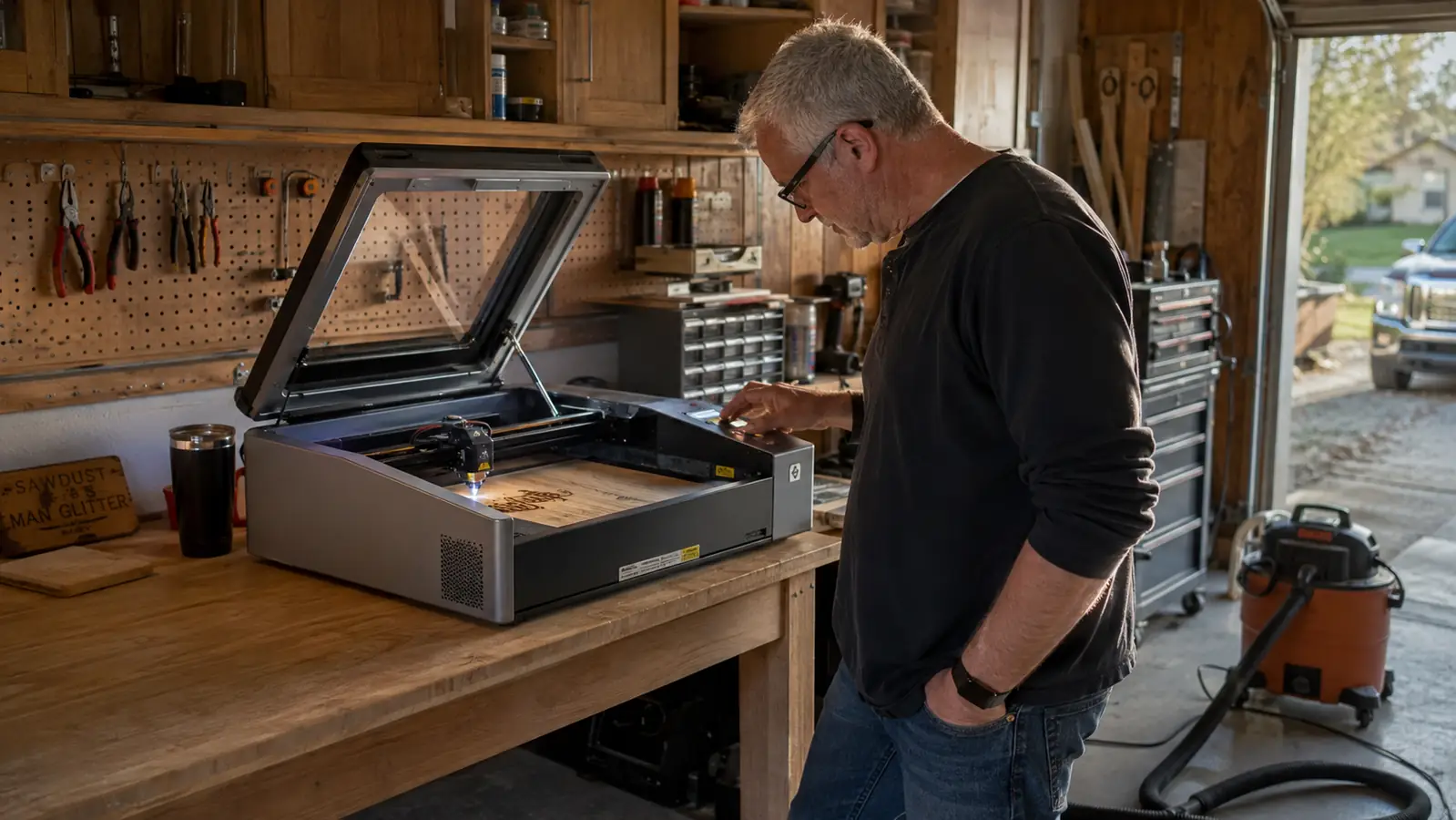
I have had the Acmer S2 20W on my workbench since late October. In that time I have run it on hardwood cutting boards, slate coasters, leather patches, powder-coated tumblers, and a pile of scrap plywood that I use for testing settings. My wife Linda handles the Etsy listings and the photos, so I am the one who spends the evenings in the garage with the shop vac running and the window open.
My standard workflow is simple. I design in LightBurn, which the Acmer S2 supports natively, and I keep a notebook where I write down every setting I try. That notebook has been worth more than the machine. When I first started engraving four years ago, I did not keep notes, and I paid for it by re-testing the same settings over and over. With the S2, I started the notebook on day one, and it has saved me hours every week.
The machine itself is a diode laser with a 20W output, which in practical terms means it can cut through thin wood and engrave most materials you would actually want to engrave. It comes with a 25L air assist, which is a fancy way of saying it blows air across the work surface while the laser runs. That air does two things. It keeps the wood from catching fire, and it clears away the smoke so the engraving comes out clean instead of sooty. I learned the hard way on an earlier machine what happens without air assist, and I would not buy another laser without it.
Assembly: What a First-Time Buyer Should Expect
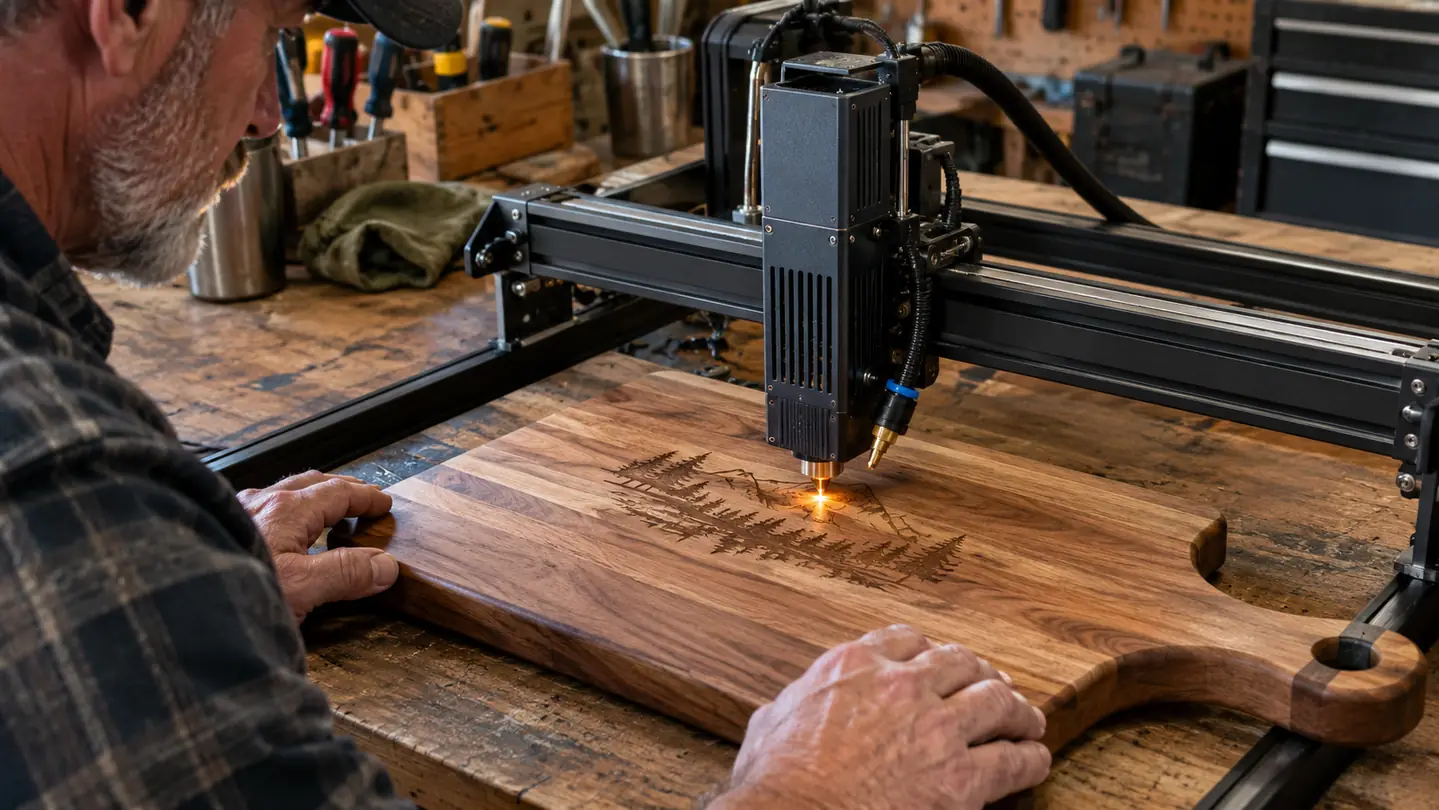
The Acmer S2 20W arrives in a box that is bigger than you expect, and the first thing you notice is that the frame is already mostly assembled. That is a relief. My first laser took me an entire afternoon to put together, and it came with instructions that looked like they had been translated by a machine. The S2 was different. I had the frame out of the box, the gantry mounted, and the laser module attached in about forty minutes, and I am not a fast assembler.
The one part that took me a minute to figure out was the air assist hose. It connects to the laser module with a small fitting, and the instructions show it clearly, but I still managed to put it on backwards the first time. The fix took thirty seconds once I looked at the diagram again. If you are the kind of person who reads instructions twice before touching anything, you will have no trouble at all.
Leveling the bed took me about fifteen minutes. The S2 has a honeycomb workbed, which is good for cutting because it lets smoke and debris fall through instead of building up under the material. I used a small piece of scrap wood to check the distance between the laser and the bed at all four corners, and I adjusted the thumb screws until the gap was even. That step matters more than people think. If the bed is not level, your engraving will be darker on one side and lighter on the other, and you will blame the machine when the real problem is a quarter turn on one screw.
Wood Engraving: Where the S2 Shines
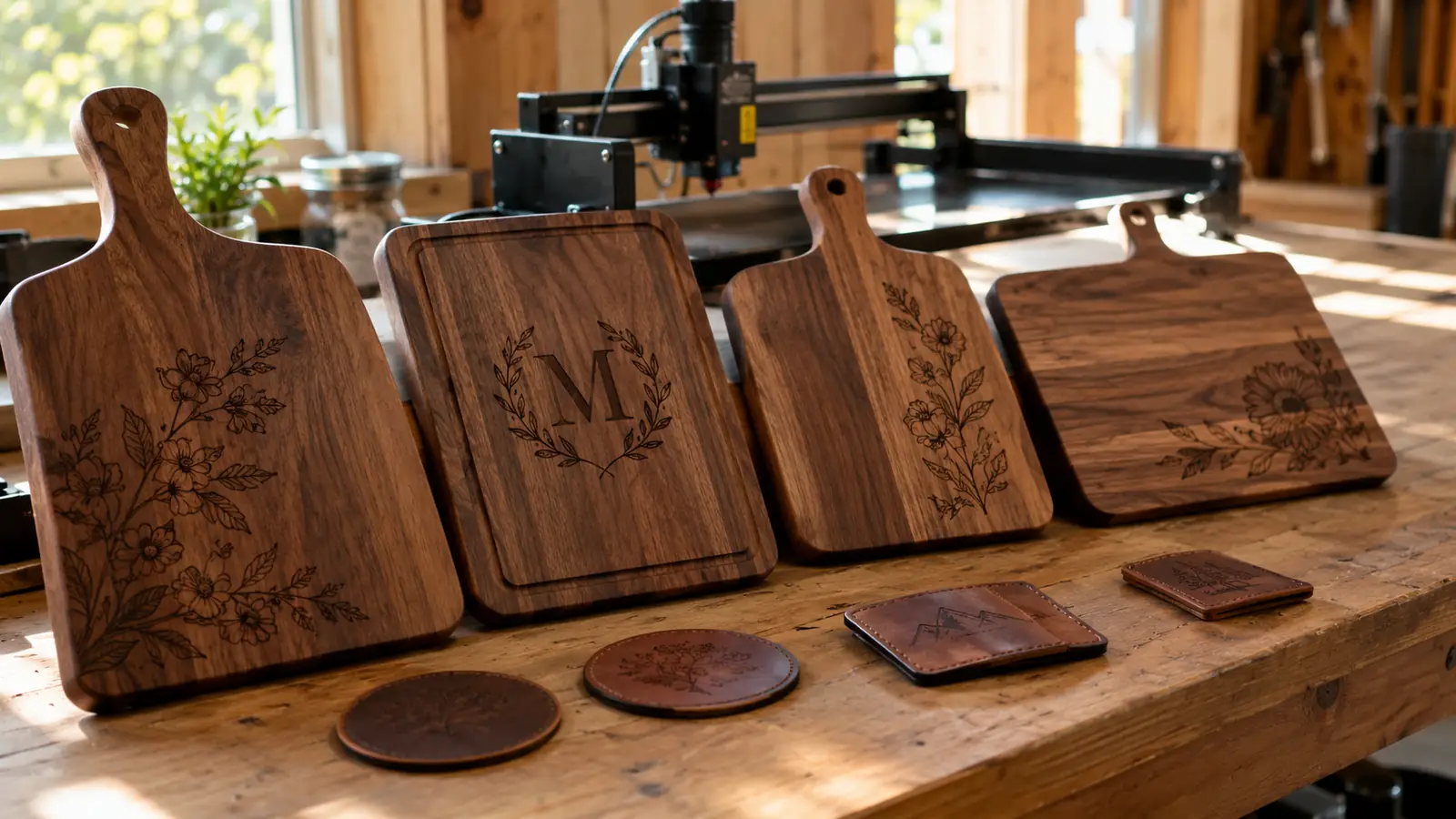
Hardwood cutting boards are my bread and butter at craft fairs, and the Acmer S2 20W handles them beautifully. I engrave a lot of maple and walnut boards, and the contrast on both is excellent. On maple, the engraving comes out a warm, dark brown that looks like it was done with a branding iron. On walnut, the contrast is subtler, but it still looks clean and professional.
My go-to setting for maple is 80% power at 2500 mm per minute, with the air assist on full. That gives me a deep, even engraving in a single pass. On walnut, I drop the power to 70% because the wood is darker and does not need as much heat to show contrast. I tested these settings over about a week, running the same design on scrap pieces until I got the look I wanted. That is the process I recommend to anyone starting out. Do not expect to nail it on the first try. Expect to burn a few test pieces, write down what happened, and adjust.
One thing that surprised me was how well the S2 handles end grain. I had assumed a diode laser would struggle with the dense end grain of a butcher block, but it did not. I engraved a small batch of end-grain coasters for a holiday market, and they came out clean and even. The air assist deserves a lot of the credit for that. Without it, the smoke from the end grain would have discolored the engraving and left a mess.
Slate, Leather, and Tumblers: The Other Materials
Slate coasters are a staple at my booth, and the Acmer S2 20W does a great job with them. Slate engraves white, which means the design shows up as a light gray or white mark on the dark stone. I run slate at 60% power and 3000 mm per minute, and I do a single pass. The result is a crisp, readable design that looks like it was professionally etched. The one thing to know about slate is that it is dusty. You will want the air assist on and a shop vac nearby, because the dust gets everywhere.
Leather patches are another product I make for the craft fairs, and the S2 handles them well. I use vegetable-tanned leather, which engraves to a nice, even brown. The key with leather is to go slow and use lower power. I run it at 40% power and 1500 mm per minute, and I always do a test piece first because leather thickness varies. The S2 has no trouble with the patches I use, which are about 2 millimeters thick. I have not tried it on thicker leather, so I cannot speak to that, but for patches and small tags it is excellent.
Powder-coated tumblers are where the S2 surprised me the most. I had read that diode lasers struggle with powder coating because the coating can be finicky, but the S2 marked my test tumblers cleanly. I use a rotary attachment for tumblers, which the S2 supports, and I run it at 70% power and 2000 mm per minute. The coating burns away to reveal the stainless steel underneath, and the result looks like a factory job. I have sold a dozen tumblers with the S2 engraving, and I have not had a single complaint about the quality.
Cutting: What It Can and Cannot Do
The Acmer S2 20W is a diode laser, and that means it has limits when it comes to cutting. It will cut through thin wood, and it does it well. I have cut 3-millimeter basswood and 3-millimeter plywood for small projects, and it goes through them in one or two passes. I have also cut 6-millimeter plywood, but that takes three or four passes and the edges are not as clean as I would like. For anything thicker than that, I reach for a different tool.
The one thing I want to be honest about is that this is not a machine for cutting thick hardwood. I tried cutting a 12-millimeter maple board once, just to see what would happen, and the answer is that it took forever and the edges were charred. I do not recommend it. The S2 is an engraver that can also do light cutting, not a cutter that also engraves. If you go in with that expectation, you will be happy with it. If you go in expecting to cut thick boards, you will be disappointed.
For the kind of work I do, that is fine. I engrave far more than I cut, and the S2 is an engraving machine first. The cutting it does handle, it handles well enough for small projects and prototypes. I have used it to cut stencils out of thin plywood, and those came out clean and usable. That is the kind of task the S2 is built for.
What I Liked
- Easy assembly, about forty minutes out of the box
- Air assist included, which keeps wood from charring and smoke from ruining the engraving
- Works with LightBurn, so you are not stuck with clunky proprietary software
- Engraves hardwood, slate, leather, and powder-coated tumblers with good results
- Solid frame that does not wobble or drift during long jobs
- Good value for a first machine that you will not outgrow in six months
Where It Falls Short
- Cutting is limited to thin wood, about 6 millimeters or less
- No built-in camera, so positioning designs takes a little practice
- The included instructions are adequate but not great
- You will need a shop vac and good ventilation, because it makes smoke and dust
- The learning curve is real, and you should expect to burn some test pieces
The Acmer S2 20W is an engraver that can also do light cutting, not a cutter that also engraves. Go in with that expectation and you will be happy with it.
Who This Is For
The Acmer S2 20W is for the person who wants to start engraving without spending CO2 laser money. It is for the retiree who wants a garage hobby that can pay for itself, the Etsy seller who wants to add engraved products to their shop, and the woodworker who wants to personalize the boards they already make. It is also for the person who is willing to learn. The S2 is not a machine you plug in and master in an afternoon. It is a machine you learn with, and that is exactly what a starter machine should be.
If you are the kind of person who keeps a notebook, tests settings, and does not mind burning a few test pieces, the Acmer S2 20W will reward you. It is capable of producing work that sells, and it will not hold you back while you learn. I have been engraving for four years, and I still use the S2 for jobs that my bigger machine would be overkill for. That says something about how capable it is.
Who Should Skip It
You should skip the Acmer S2 20W if you need to cut thick wood or acrylic. A diode laser simply does not have the power for that kind of work, and no amount of settings tweaking will change it. If your plan is to cut 12-millimeter plywood or thick acrylic sheets, you need a CO2 laser, and you should save up for one instead of buying a diode laser and being disappointed.
You should also skip it if you are not willing to learn. The S2 requires you to understand power, speed, and focus. It requires you to test and adjust. If you want a machine that does everything automatically with the push of a button, this is not it. That is not a flaw in the machine. It is just the reality of laser engraving, and it is better to know that before you buy than after.
Ready to make your first real engraving?
The Acmer S2 20W is the machine I would buy again if I were starting over today. It does real work, it is easy to learn, and it will not leave you wishing you had spent more.
Amazon Check Today's Price on Amazon →