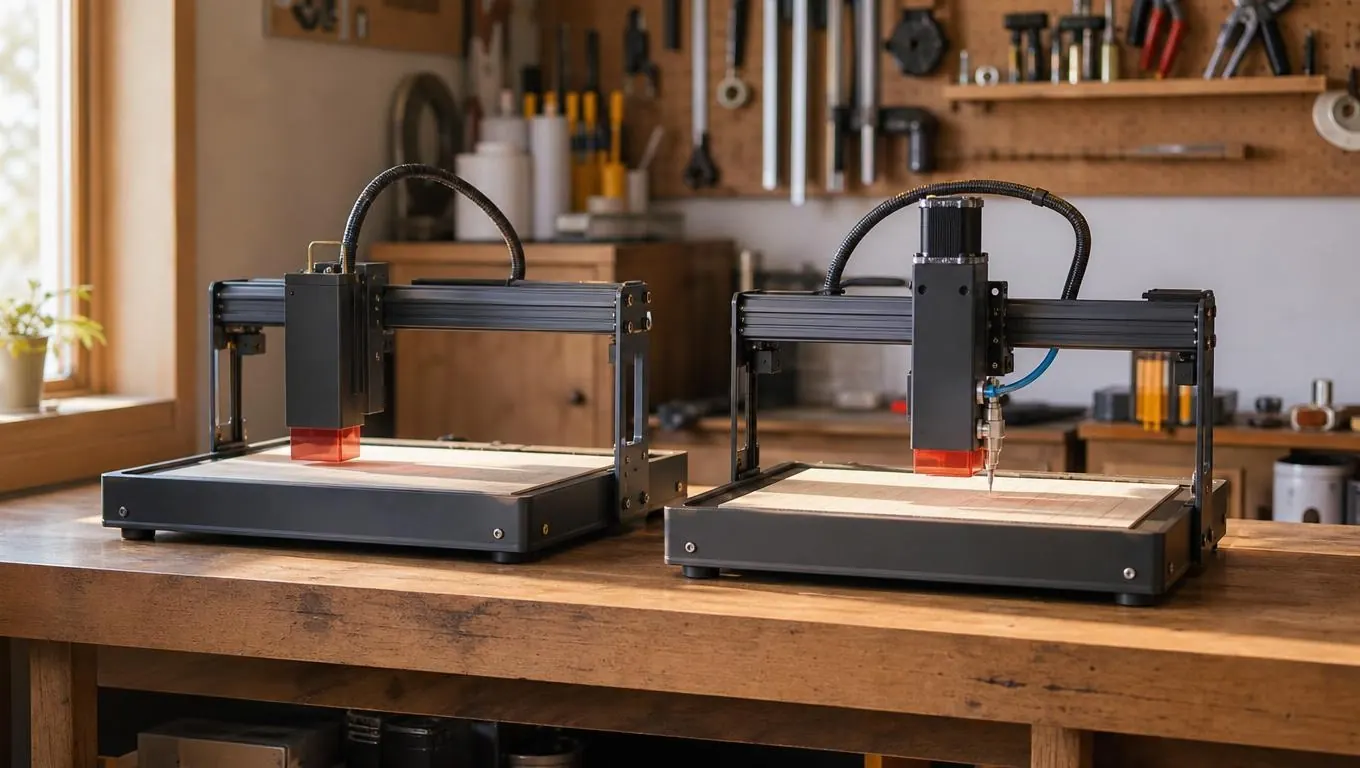
If you are shopping for a first diode laser, you have probably narrowed it down to two names: ACMER and Atomstack. Both make a 20W machine that sits in the same price neighborhood, and both will engrave wood, leather, slate and coated metal well enough to sell. But wattage is only the first question, and it is the one beginners stop at. I have spent four years running machines like these in my garage in Tucson, and I have watched a lot of people buy the wrong one because they compared the power number and skipped everything else. I did it myself. My first laser was a 10W machine with a bed the size of a sheet of paper. I did not realize what that meant until the day I tried to engrave a long cutting board and it simply did not fit on the bed. I spent a whole evening splitting the design into two passes, re-aligning the board by hand, and praying the second pass lined up with the first. It mostly did not. That was the day I started paying attention to bed size, air assist, and how a machine actually behaves on a Saturday afternoon when you are trying to get ten boards done before the market opens. So let me compare the Acmer S2 and the Atomstack A20 Pro the way I wish someone had compared them for me back then: where each one earns its keep, where each one fights you, and which one I would hand to a first-time buyer.
The short answer is that the Acmer S2 is the better starter machine, because its air assist is built in and its bed fits the projects most beginners actually want to make. The Atomstack A20 Pro is the better pick if you already own an air compressor, you like tinkering, and you plan to grow into rotary engraving and production runs of small items. Everything below is the long answer, with the numbers, the test jobs, and the messes included, because I think you should know what a machine is like on its worst day, not just its best one.
| Acmer S2 | Atomstack A20 Pro | |
|---|---|---|
| Laser power | 20W output, cuts 10mm basswood, engraves slate and coated tumblers | 20W output, comparable cut and engrave speeds on the same materials |
| Air assist | Built-in 25L/min pump, nothing extra to buy or install | External kit sold separately, needs a compressor or pump you supply |
| Work area | Bed fits a full-size cutting board without repositioning | Fine for coasters and patches, tight for a 16-inch board |
| Engrave speed | Fast, steady head, plenty for learning and small jobs | Slightly faster head, adds up on long runs of small items |
| Software | LightBurn compatible, straightforward setup for a beginner | LightBurn compatible, a little more manual configuration |
| Assembly | Mostly pre-assembled, about 20 minutes to first test fire | More pieces to bolt together, closer to an hour on a first build |
| Accessories | Fewer add-ons, but most beginners never need them | Deep catalog: rotary rollers, risers, enclosure kits |
| Best for | A first-time buyer who wants fewer add-ons and a bigger bed | A hobbyist who already owns a compressor and wants a fast head |
Where the Acmer S2 Wins
The built-in air assist is the reason I would hand the ACMER S2 to a beginner, and I say that from experience. Air assist blows smoke and debris out of the cut line, which means cleaner edges on wood, less charring on leather, and fewer scorch marks on slate. My first laser did not have it, and for the first month I ran every job with the garage window open and a shop vac running, wondering why my cutting boards looked like they had been branded with a hot iron. The difference showed up the first time I used a machine with air. Edges that used to come out dark and fuzzy came out light and sharp. I remember standing over the machine watching the difference happen in real time, thinking about all the boards I had ruined before I understood what the problem was. The Acmer S2 has the pump built in, rated at 25 liters per minute, so the first time you fire it up, you are already getting the cleaner cuts that make a beginner's first projects look sellable. On the Atomstack A20 Pro, air assist is an add-on you have to buy and install, and it needs an air source. If you do not already own a small compressor, that is an extra purchase, an extra hose running across your bench, and an extra thing to troubleshoot on the day you are trying to make your first sale. I have seen grown adults spend a whole Saturday fighting a loose fitting on an aftermarket air line. The ACMER just works, and for someone who is learning, that is worth more than any spec sheet.
The work area is the second reason, and it is the one I learned the hard way. I engrave a lot of hardwood cutting boards, and a 16-inch board is a normal size at the craft fairs I sell at. On the Acmer S2, that board fits on the bed without me having to rotate it and re-align the design in LightBurn. On the Atomstack A20 Pro, I would have to split the job into two passes or buy a riser kit, and every split pass is a chance for the alignment to drift a millimeter and ruin a good maple board. That is not a dealbreaker for someone who only plans to do coasters and name tags, but it is exactly the kind of limitation that made me buy a bigger machine the second time around. Back in 2022 I took an order for a dozen cutting boards for a church fundraiser, and my first machine's tiny bed turned a weekend job into a three-day grind of re-aligning and re-testing. I promised myself then that any machine I recommended would fit a full-size board without excuses. I have watched friends buy machines with small beds because the price was right, and I have watched them buy risers and extension kits and still fight the same limitation. A bigger bed at the start saves you that whole detour. The Acmer S2's bed is the one I would want for the first year of learning, because it lets you say yes to the jobs that actually pay for the machine.
Where the Atomstack A20 Pro Wins
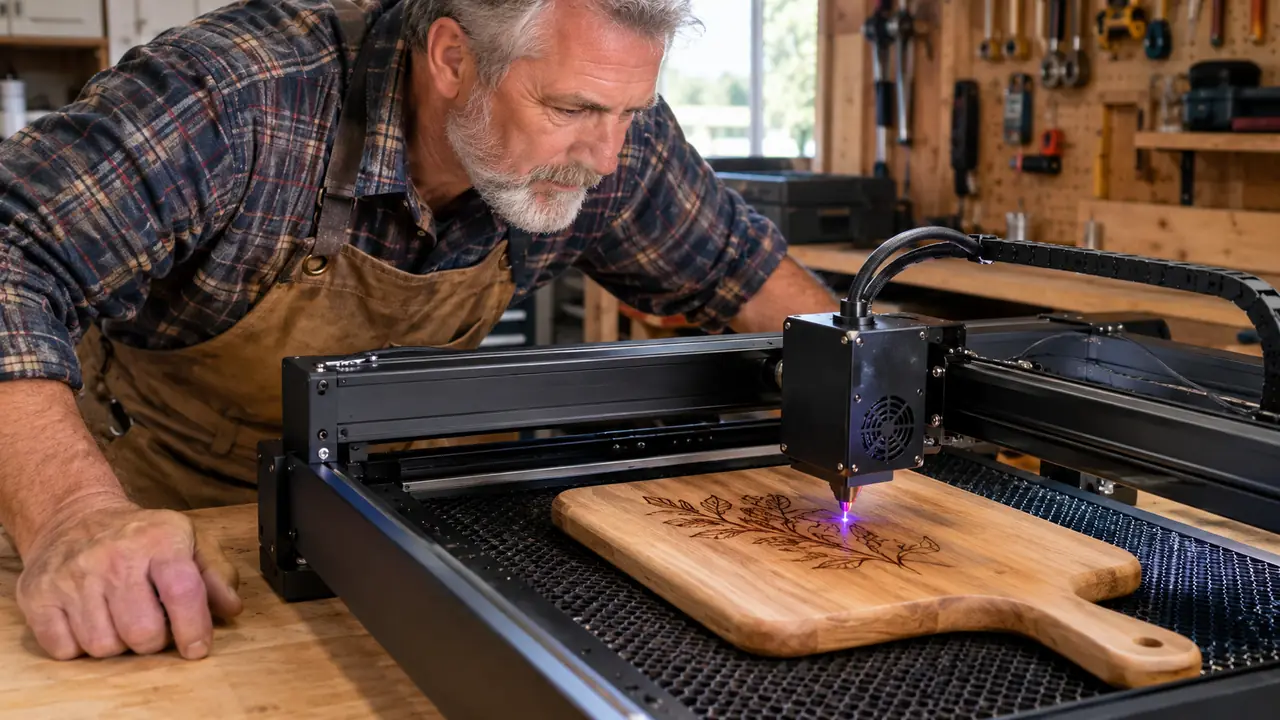
I will be straight with you: the Atomstack A20 Pro is not a bad machine, and in two areas it is genuinely better. The first is the laser head. Atomstack has been making diode lasers longer than most brands, and the A20 Pro's head is fast and well balanced. A fellow engraver I know from the craft fair circuit bought one last spring, and we spent an afternoon in my garage running the same jobs on both machines to see how they actually compared. We set up the same slate coaster design in LightBurn, same settings, same material, and ran it on each machine back to back. Same focus distance, same power curve, same everything we could make identical. We even swapped the two machines' positions on the bench so one was not getting better air flow. The Atomstack finished a couple of minutes sooner, and on a stack of forty coasters that difference would add up to real time saved. That matters if you are filling a weekend craft fair order, and it matters almost not at all if you are learning. The other thing I noticed is the head feels steadier at high speed on long straight lines. If your plan is production runs of the same small item, coasters, patches, keychains, the Atomstack will finish the day's list faster. For a beginner who is still figuring out what speed and power settings do, that extra speed is just a setting you have not learned to use yet.
The second area is the ecosystem, and this is where the Atomstack shows its age in a good way. Atomstack sells a deep catalog of accessories, from rotary rollers for tumblers to enclosure kits and risers, and most of them bolt onto the A20 Pro without modification. If you already own an air compressor and you know you will want a rotary attachment for powder-coated tumblers within a few months, the A20 Pro gives you a clear upgrade path that does not require buying a second machine. The Acmer S2 has fewer add-ons available, so some of those upgrades mean exactly what I had to do with my first laser: sell it and start over. For a hobbyist who likes tinkering and already has the air source, the Atomstack is the more flexible platform, and that flexibility is worth real money over a few years. For a beginner who wants to engrave this weekend, though, that flexibility is less valuable than a machine that works out of the box. I have met a lot of engravers who bought the machine with the most upgrade potential and then never upgraded it, because the base machine was already more than they needed. The catalog is only an advantage if you actually buy from it.
For a first machine, I would still start with the Acmer S2
The Atomstack is faster and has more accessories, but the Acmer S2 gets you to a finished project sooner, with fewer add-ons and fewer assembly headaches. Check today's price on Amazon and compare the two for yourself.
Amazon Check Today's Price on Amazon →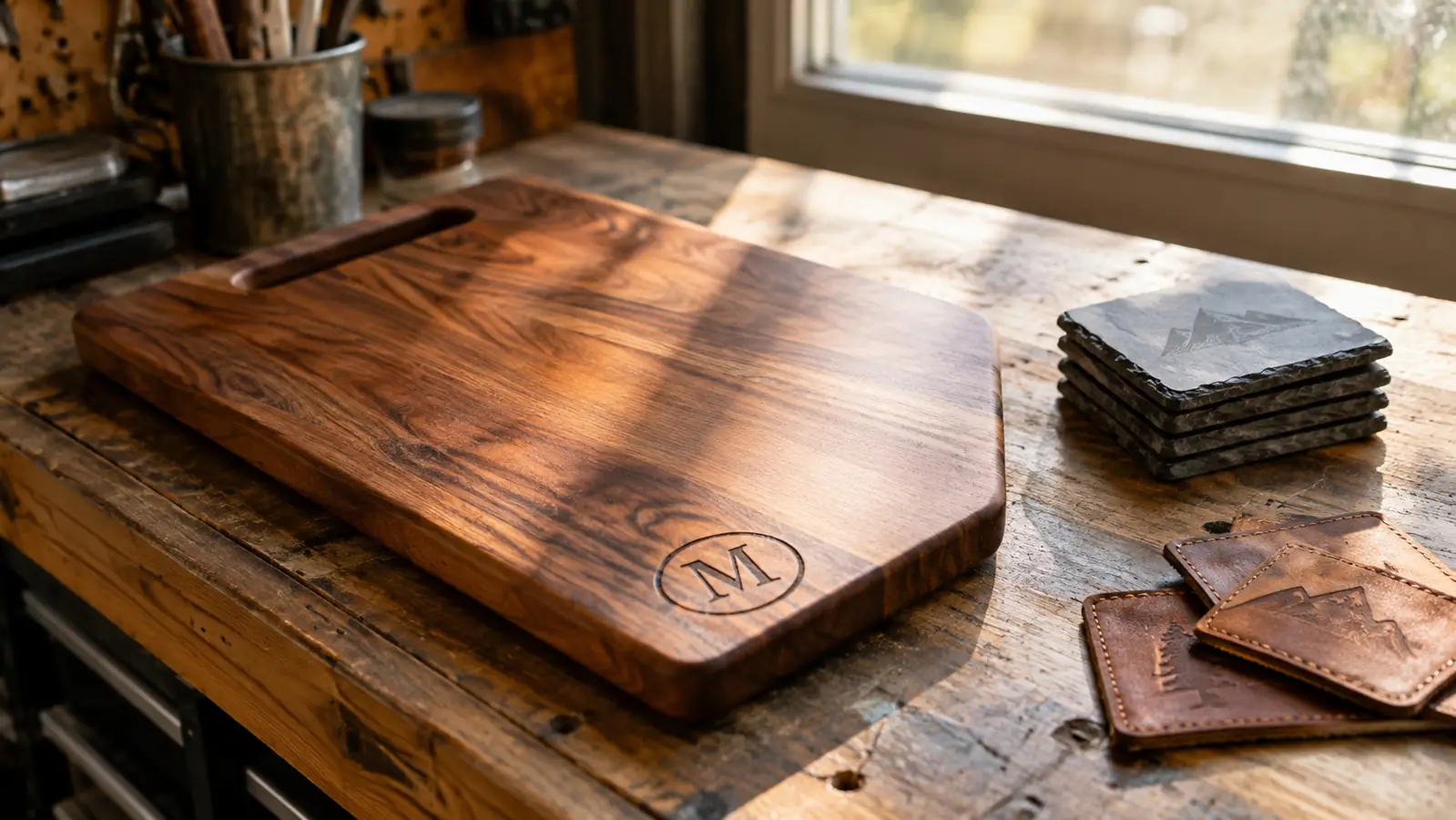
Who Should Buy Which
Buy the ACMER S2 if this is your first laser and you want the shortest path from unboxing to a finished project you would be proud to sell. The built-in air assist removes the most common beginner mistake, which is engraving without air and wondering why the wood is charred. I made that mistake for a month before I understood what I was looking at, and I would rather you skip that month entirely. The larger bed means you can take on cutting boards and bigger signs from day one, and those are the projects that sell themselves at a craft fair. You will spend less time assembling, less time shopping for accessories, and more time learning the settings that actually matter: speed, power, and focus. When I teach someone new, I tell them the first ten hours with a laser are about getting the machine set up, and the first ten projects are about getting your settings dialed in. The Acmer S2 shortens the first part so you can spend your energy on the second. It is not the fanciest machine on the market, and it does not need to be. It gets out of your way and lets you learn. A guy I know from the market bought one after borrowing mine for an afternoon. He had never touched a laser before, and by the next weekend he had a stack of engraved leather patches he was actually selling. That is the experience I want for you.
Buy the Atomstack A20 Pro if you already own an air compressor, you are comfortable with a longer setup, and you know you will grow into rotary engraving and production runs of small items. It is a capable machine with a faster head and a bigger accessory catalog, and the brand has earned its reputation over years of making diode lasers. Just be honest with yourself about whether you will actually use those upgrades. I have watched people buy a rotary attachment, use it twice, and go back to flat boards because the tumblers are a pain to photograph and list. There is no shame in that, but there is also no point paying for a platform you will not build on. If you are the kind of person who enjoys the setup as much as the engraving, the Atomstack will reward you. If you are the kind of person who wants to make something by Saturday, the Acmer S2 is the one I would put in front of you.
The built-in air assist on the Acmer S2 removes the most common beginner mistake, which is engraving without air and wondering why the wood is charred.
The Acmer S2 is the one I would hand to a first-time buyer
Built-in air assist, a bed that fits a full-size cutting board, and a setup you can finish in an evening. See the current price on Amazon before you decide.
Amazon Check Today's Price on Amazon →