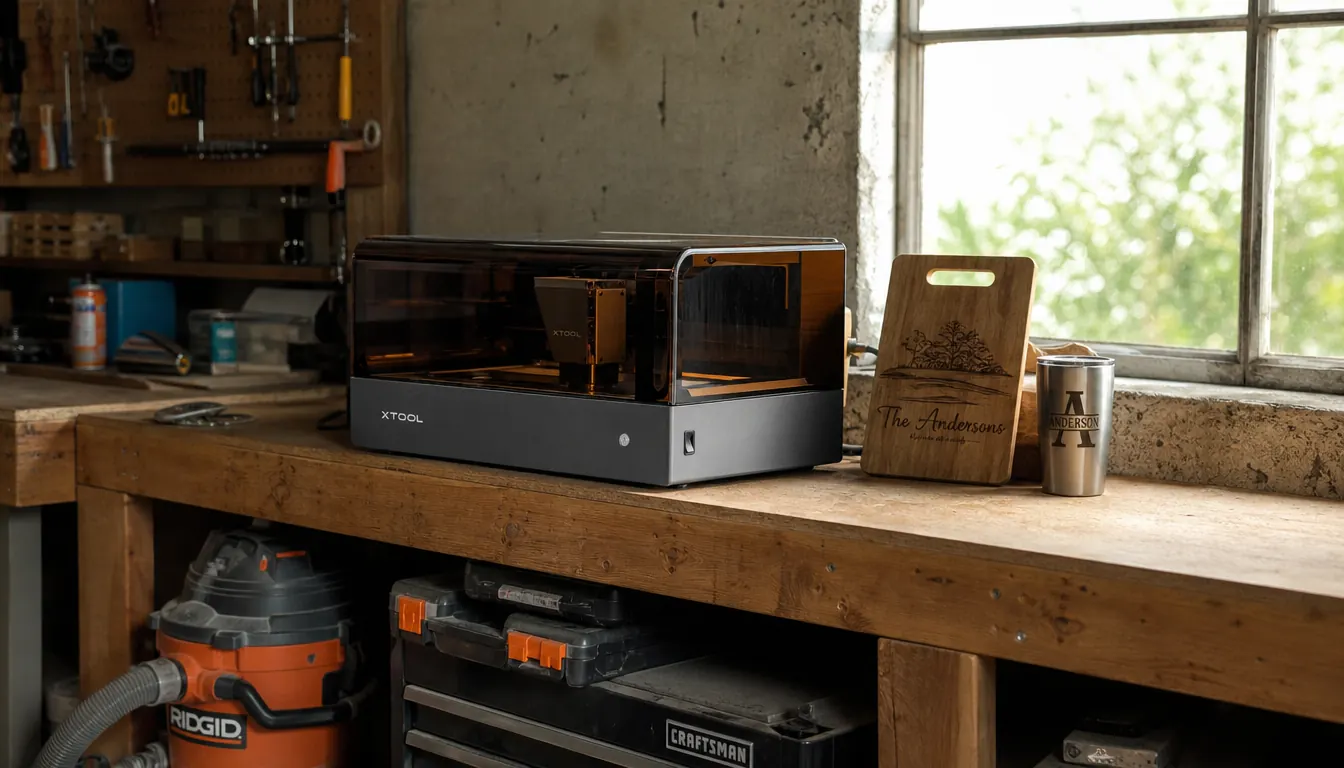
I spent four years running two different engraving jobs through my garage: wood and leather on one machine, metal on another. The wood machine did what it was supposed to do. The metal one was the problem. It was slow, it was finicky, and every time I needed a stainless steel tag or a powder-coated tumbler marked, I had to switch machines, switch settings, and lose an hour of my Saturday. When I finally tried the xTool F2, the first thing I noticed was that I did not have to switch at all. That sounds like a small thing, but over a year of weekend markets it adds up to whole evenings I got back.
The F2 carries two lasers in one housing: a 5W infrared laser that marks metal, and a 15W diode laser that cuts and engraves wood, leather, slate, and coated tumblers. This list is the practical version of what that means. It is the reasons I would give a beginner who wants one machine that covers both sides of the craft fair table, and it is also the reasons I would give myself four years ago, before I bought that second machine I barely used.
One machine, two lasers, no switching halfway through a job
If you engrave wood one day and metal the next, the xTool F2 is the desktop machine that covers both. Check today's price and see what comes in the current bundle on Amazon.
Amazon Check Today's Price on Amazon →The 10 Reasons
Two lasers in one machine means one purchase, not two
The IR laser marks stainless steel and other metals. The diode laser engraves and cuts wood, leather, slate, and acrylic. You get both in the xTool F2, which is the difference between buying one machine and buying two. For a side business run out of a garage, that difference shows up in the budget and in the space it takes up.
Metal marking that does not scorch the workpiece
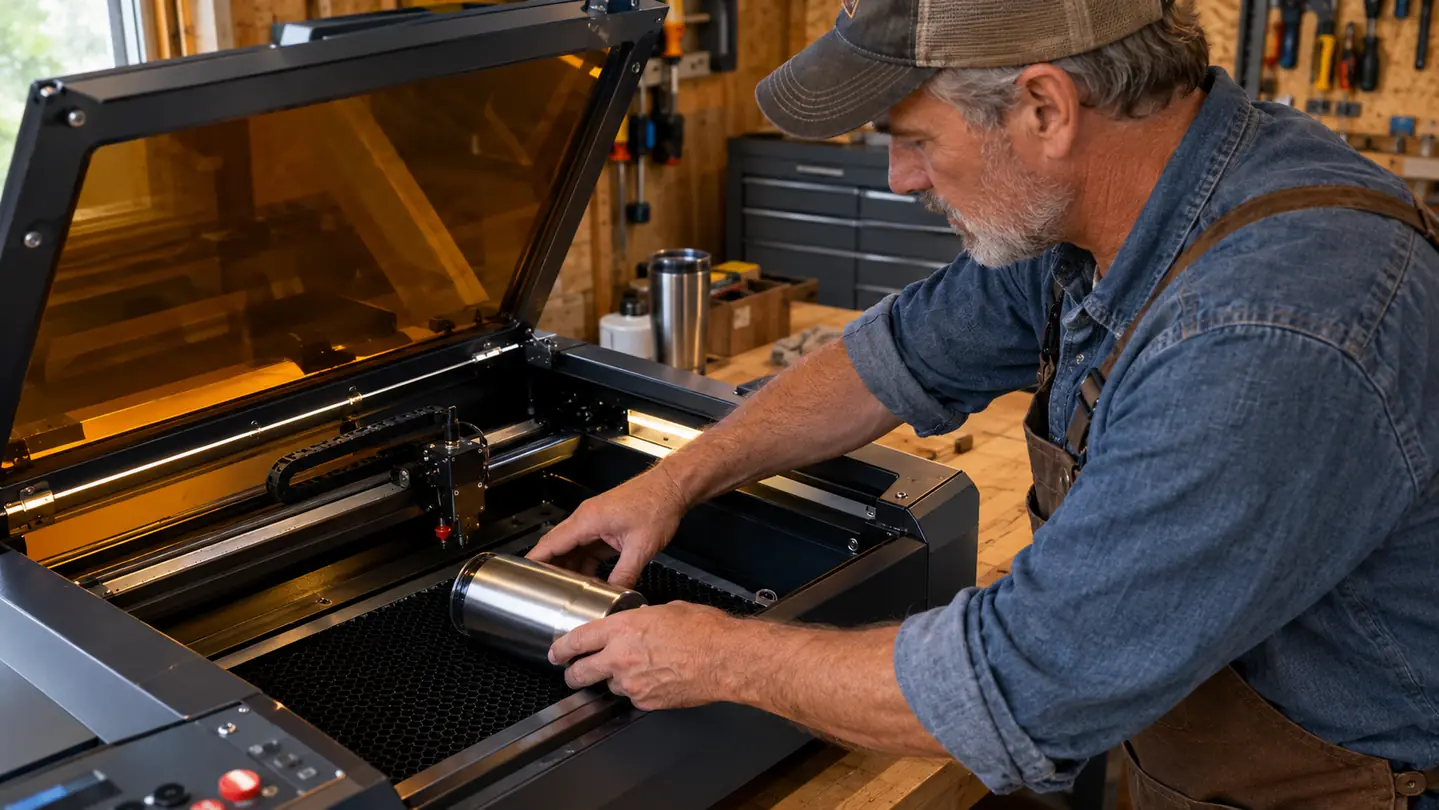
The 5W infrared laser works differently from a diode. It changes the surface of stainless steel instead of trying to burn into it. I have marked tags and tumbler bottoms that look clean up close, with no discoloration around the lettering. The first time I ran a batch of stainless tags for a local shop owner, he asked how I got the letters so sharp. That is the reaction you want from a wholesale customer. When you sell to people who inspect their purchase, that clean edge is the difference between a repeat customer and a refund.
Wood, leather, slate, and coated tumblers on the same bed
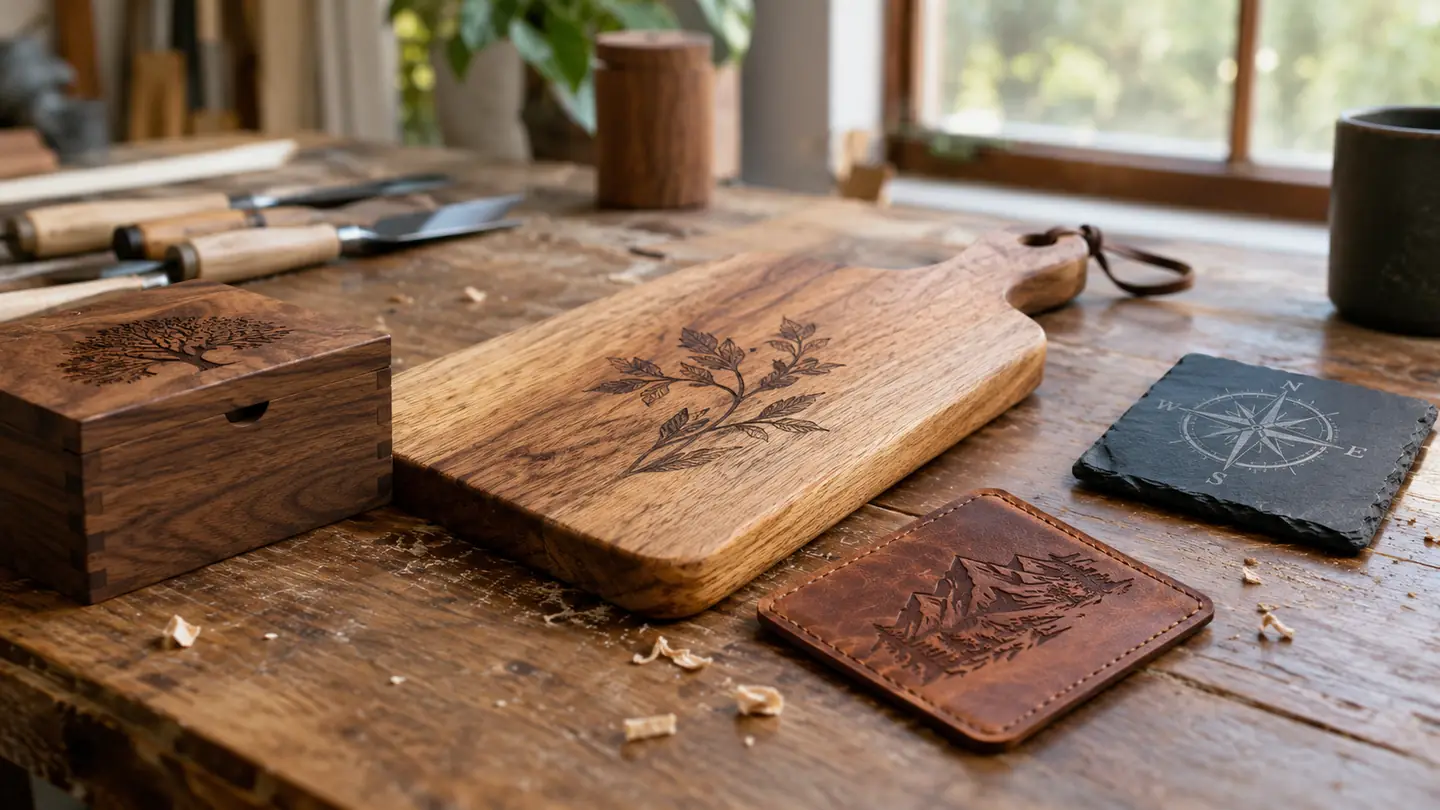
This is the side I use most. Cutting boards, leather patches for hats and jackets, slate coasters, powder-coated tumblers, all of it runs on the 15W diode laser. The IR laser handles the metal, the diode handles everything else, and you pick which one you need in the software. One bed, one setup, no walking across the garage to a second machine.
Material changes take minutes, not a full teardown
With one machine, a job change is just a new blank on the bed and a new file. I used to move the wood machine aside, drag the metal machine into place, and re-level everything. Now the change takes as long as it takes to wipe the bed and drop in the next piece. That is time you get back on every single job.
The 50MP camera lines up the job before the laser fires
The camera preview shows you where the beam will hit, so you can drop a tumbler or a tag on the bed and adjust the design on screen before you start. I wasted a lot of blanks in my first year guessing at placement. The preview kills most of that waste, and wasted blanks are wasted money in any side business. I keep a folder of saved jobs now, because once I line up a tumbler design I want to run it again next month without redoing the work.
Fast enough to finish a craft fair batch the night before
When you are making a dozen tumblers for a Saturday market, consistency matters more than speed, but speed is not nothing. The F2 moves fast between marks and runs the same file the same way every time. That repeatability is what keeps a batch from turning into an all-nighter. I ran twelve tumblers on a Friday night before a market and was done by ten, which is the kind of night that keeps this fun.
Color marking on stainless gives you a product nobody else at the fair has
The IR laser can create color marks on stainless steel by controlling the heat very precisely. I have seen it produce dark, gold, and blue tones on the same piece. For personalized gifts, that is a way to stand out from the black-and-gray engraving that every other booth sells. It takes a little practice to get the tones even, and I burned a few test pieces learning it, but the payoff is a product that photographs well for the Etsy listing.
3D embossing gives wood pieces a carved look
The F2 can vary laser power across a job to create raised and recessed areas, so a cutting board or a sign gets depth instead of a flat surface. It sits between engraving and full carving, and it makes a gift feel more expensive than the blank cost. I use it most on cutting boards and serving trays around the holidays, and customers always stop to touch the surface when they pick one up.
It fits on a garage workbench, not a pallet
The F2 is a desktop machine. It sits on my workbench along the back wall of the garage, and when I am done I can move it to a shelf. That matters when your workshop is also where you park the car and store the holiday decorations. I keep the honeycomb bed and the air assist hose in a plastic bin on the shelf right above the bench, so setup is a five-minute job. A smaller footprint means you actually leave it set up, which means you actually use it.
One software, one warranty, one company to call
Two machines means two ways of doing everything: two programs, two sets of settings, two support lines. The F2 keeps it to one. The settings you learn on the wood side carry over to the metal side, and when something goes wrong there is one warranty and one support team to deal with. For a solo operator, that simplicity is worth a lot. I am not a young guy anymore, and crawling around to swap machines is the part of this business I do not miss.
What I'd Skip
If you only ever engrave wood and you know you will never touch metal, a diode-only machine will do the job for less money. And if you are running a full-time production shop, a desktop machine with a small bed is not a substitute for a larger gantry or a dedicated fiber laser. The F2 is for the person who wants one versatile machine for a side business, not for someone who needs to feed a production line. Match the machine to the work you actually have, not the work you think you might get someday.
I have marked tags and tumbler bottoms that look clean up close, with no discoloration around the lettering.
The Bottom Line
Here is the honest version. The F2 is not the cheapest way to engrave wood, and it is not the most powerful metal marker you can buy. What it is, is the most convenient machine I have used for a mixed-material side business. If you know your work will stay on one material, save the money and buy a single-purpose machine. If you sell the way I do, a little bit of everything, one dual laser on the bench beats two machines taking up the floor.
One machine that covers both sides of the table
If you are tired of switching machines between materials, the xTool F2 is worth a close look. It marks metal, engraves wood and leather, and takes up one corner of a workbench. Check today's price and see what comes in the current bundle on Amazon.
Amazon Check Today's Price on Amazon →