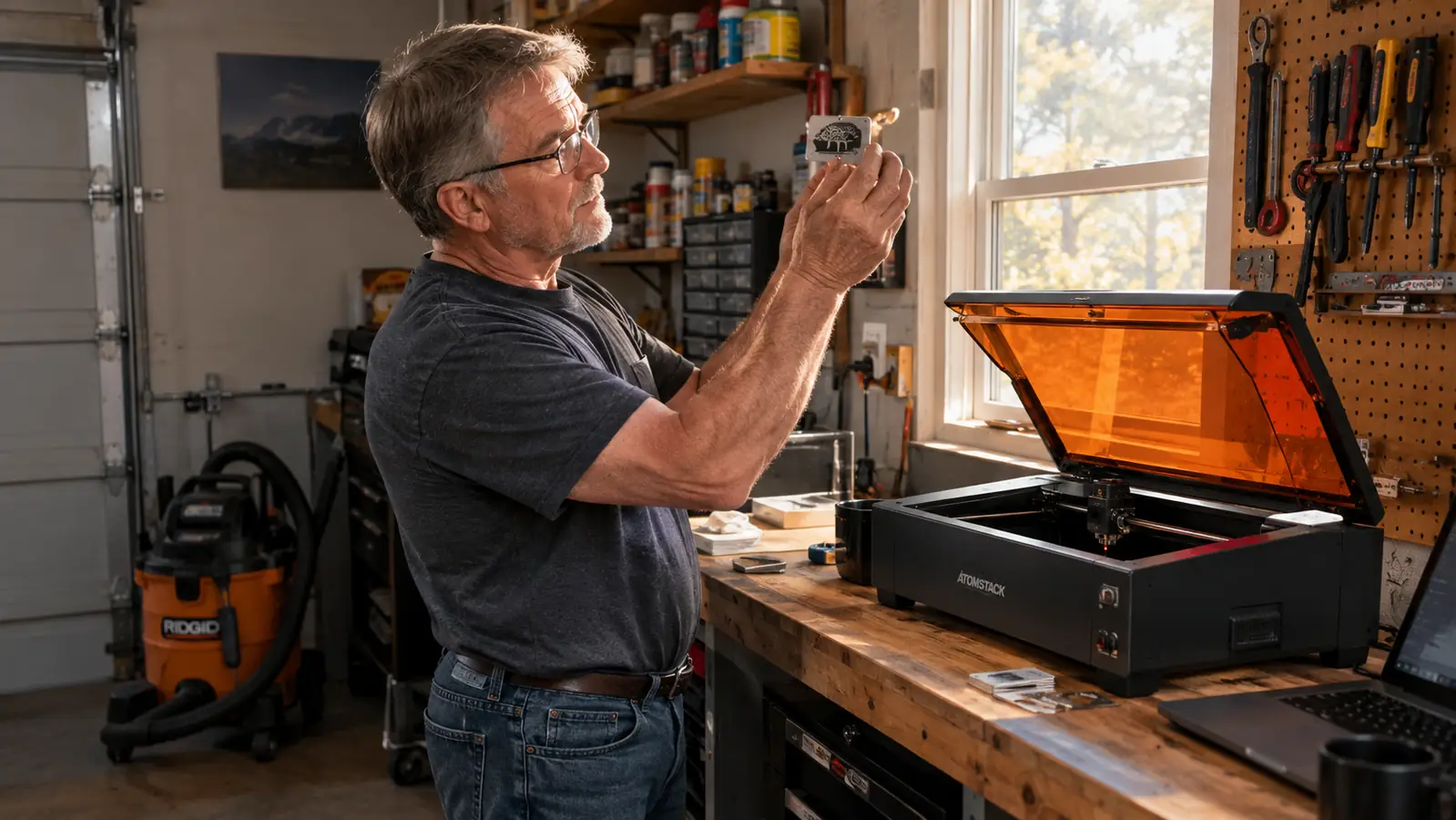
Every Saturday for the last four years, I've stood behind the same folding table at the craft market in Tucson. I sell engraved cutting boards, leather patches, slate coasters, and powder-coated tumblers I make in my garage. And once or twice a month, someone picks up a board, nods at the work, and then asks the question I used to dread: “Can you do metal?”
For a long time, my answer was no. I have one garage, one bench, and a budget I'm not interested in stretching for a handful of requests. A fiber laser felt like a second workshop all on its own, and I wasn't about to learn a new machine from scratch. So I'd apologize, wish them well, and send them to a shop across town. Every time I did it, I watched a sale walk away. It bothered me more than it should have, because the work wasn't hard. I just didn't have the tool.
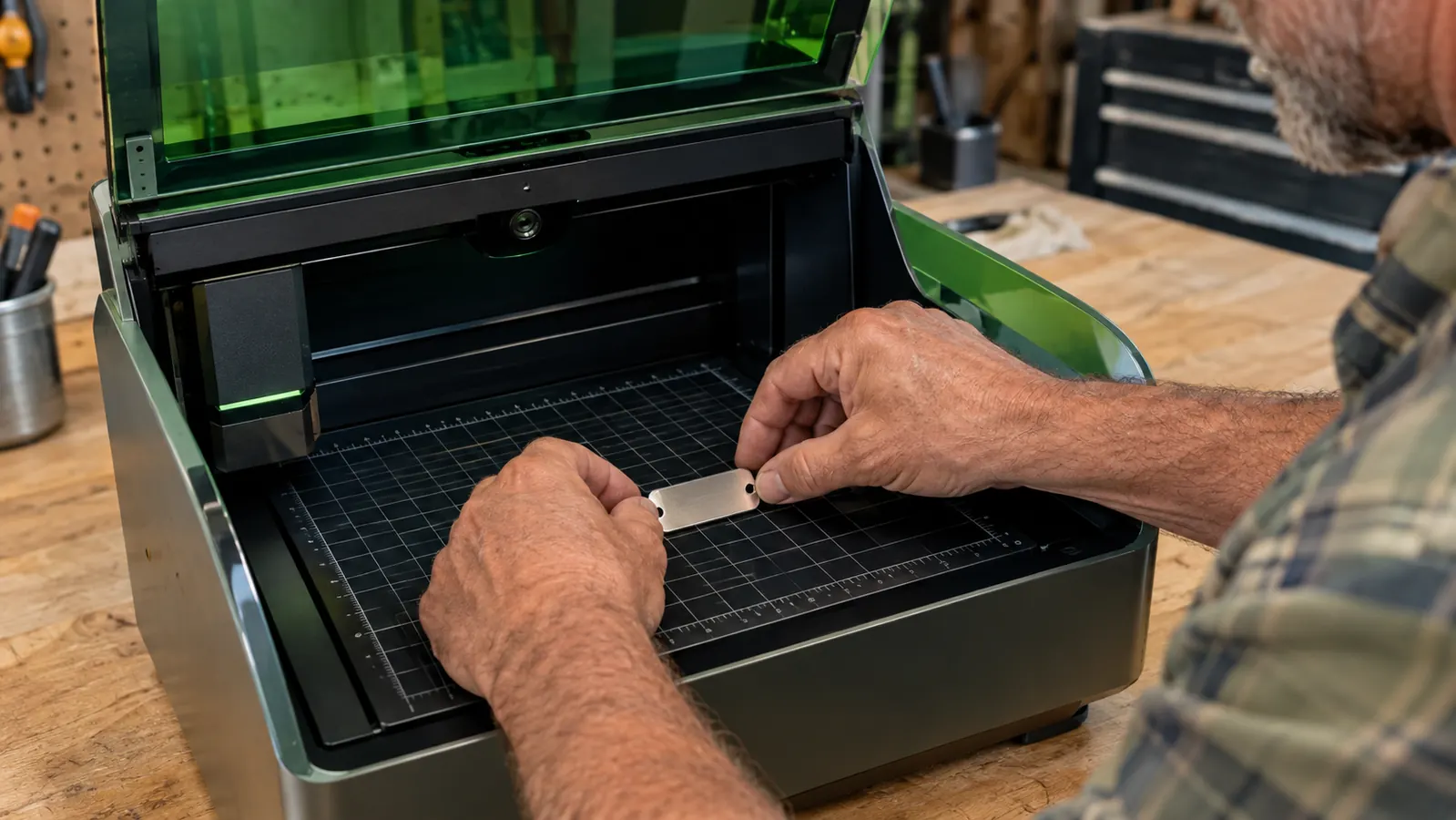
That changed when a groomer who buys my leather patches asked if I could make stainless steel ID tags for the dogs she boards. I started reading about how other engravers handle metal, and I found the xTool F2. It's a desktop machine with two lasers in one case: a 5-watt infrared beam that marks metal, and a 15-watt diode that handles the wood, leather, slate, and coated tumblers I already sell. The metal work I kept turning away didn't need a second machine. It needed an infrared laser sitting next to the diode I already understood, in a box that fits on the same workbench.
I'll be honest: the first evening was not smooth. Metal marking is not wood engraving. You don't cut into stainless, you mark it. The surface has to be clean, the focus has to be right, and the power settings are a different world from anything I use on a cutting board. I burned through a few test blanks before I got a tag that looked like something I'd hand to a customer. My wife Linda, who handles the Etsy listings, was kind about the pile of rejects.
But once the settings were dialed in, the routine got simple. I wipe the blank with alcohol, lay it on the work grid, let the built-in camera find it, and run the mark. The same afternoon, I can switch back to the diode and engrave a cutting board or a leather patch. One machine, one bench, no second learning curve. The marks hold up to daily handling better than I expected.
The first stainless tag I marked took me the better part of an evening. The tenth one took ninety seconds.
Add metal marking without adding a second machine
The xTool F2 pairs a 5W infrared laser for metal with a 15W diode for wood, leather, slate, and coated tumblers, all in one desktop unit. It's the machine I reach for when a customer asks for metal.
Amazon Check Today's Price on Amazon →These days, the groomer orders tags a dozen at a time. I also make anodized aluminum luggage tags for a vendor two booths over who sells travel gear, and small keychain blanks for a few regulars. It is not a huge part of my week, but it is a part I used to turn away. The requests come more often now, too. People see the metal on the table and assume I've always done it. The groomer tells me the tags survive the kennel wash-downs, which is the review that matters.
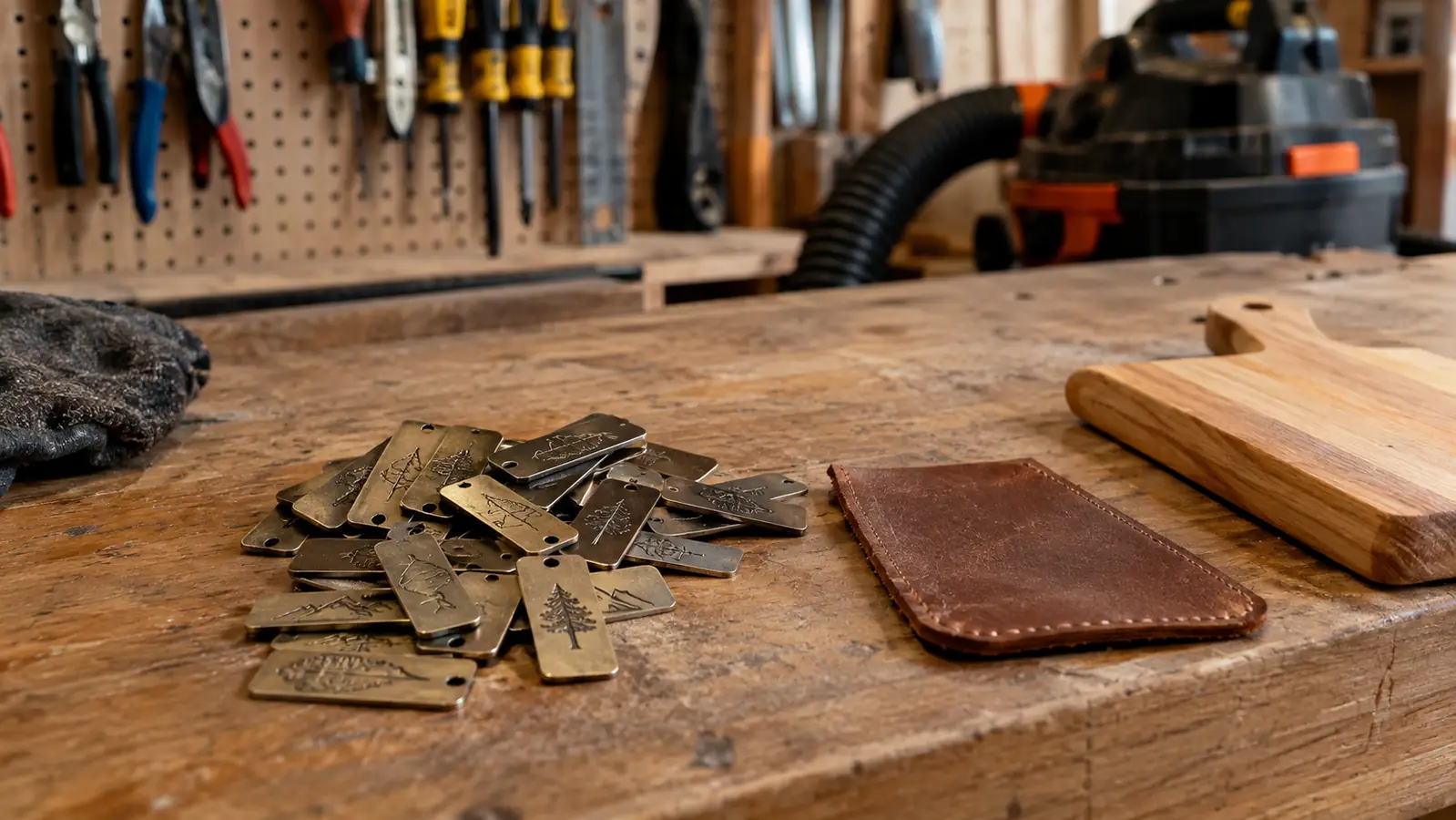
The honest part is that the F2 will not do everything a big fiber laser does. It marks metal, it does not cut through it. If someone asks me to cut a shape out of a sheet of stainless, I still say no, and I tell them why. But for tags, nameplates, small parts, and anything where the point is a clean permanent mark, it does the job I used to send across town. That distinction matters, and I'd rather set it out plainly than oversell the machine.
I also learned that the machine does not care about my assumptions. I spent four years assuming metal meant a second machine, a bigger budget, and a steeper learning curve. It turned out the answer was a dual laser about the size of a sewing machine, and the learning curve was mostly unlearning what I thought I knew. The F2 is not the only dual laser on the market, but it's the one that made sense for my bench and the way I work.
On a Saturday morning, I can mark a batch of tags, engrave a dozen cutting boards, and still have the workbench cleared before lunch. That is the part I keep coming back to: not the novelty of metal, but the fact that I stopped sending people away. The machine earns its spot because it answers a question I heard over and over, not because it's fancy. It earns its place the way any tool should: by getting used.
What I'd Tell You If We Were Sitting at My Kitchen Table
If you're doing wood and leather and people keep asking about metal, you don't need to buy a fiber laser to find out whether you'll use the capability. The xTool F2 is how I tested the idea without turning my garage into a machine shop. Expect to ruin a few blanks while you learn, clean the metal before you mark it, and start with the smallest parts you can find. Be honest with yourself about what you'll actually make. If tags and small parts are the request you keep hearing, a dual laser deserves a serious look. If not, save the bench space. For me, the answer was clear after the first batch of tags, and it's been earning its place on the bench ever since.
The dual laser that added metal to my bench
If you're ready to stop turning away metal requests, the xTool F2 is the machine I'd point you to. Check the current price on Amazon and read the details for yourself.
Amazon Check Today's Price on Amazon →