If you want to engrave metal, you have probably noticed there are two very different ways to get there. One is a dedicated fiber laser like the GWEIKE G2. The other is a dual laser like the xTool F2, which pairs a 5W infrared source with a 15W diode in one desktop unit. I have spent the last four years engraving cutting boards, leather patches, slate coasters, and powder-coated tumblers in my garage in Tucson, and I have used both approaches. Here is the short answer: the xTool F2 is the machine I would tell a beginner to buy, and the GWEIKE G2 is the machine I would tell a production shop to consider. They are not really competing for the same person.
I bought the xTool F2 after a long stretch of fighting with a diode-only machine that could not touch bare metal. I remember the afternoon that pushed me over the edge. I had a customer order for six stainless steel tumblers, and my old machine would not leave a mark no matter how many passes I ran. I ended up painting the tumblers with black acrylic, engraving through the paint, and then scrubbing the paint off with acetone in the sink. It worked, barely, but it took me most of a Saturday and my hands smelled like solvent for two days. The F2 changed that workflow completely because it marks stainless steel, aluminum, and even some coated metals directly, no paint needed. The GWEIKE G2 is a true fiber laser, which means it is faster on bare metal and leaves a deeper mark. But it also costs more, needs more safety gear, and takes longer to set up. For someone like me, who sells at weekend craft fairs and on Etsy, the xTool F2 does the job with a lot less fuss.
| xTool F2 | GWEIKE G2 | |
|---|---|---|
| Laser source | 5W infrared plus 15W diode in one machine | 20W fiber source only |
| Materials | Metal, wood, leather, slate, acrylic, tumblers | Mostly bare metal and some plastics |
| Setup time | Out of the box and engraving in an afternoon | Plan on a full weekend and a ventilation plan |
| Safety | Enclosed lid and interlock switch; still a Class 4 laser, so keep rated goggles on | Open bed, needs dedicated eyewear and enclosure |
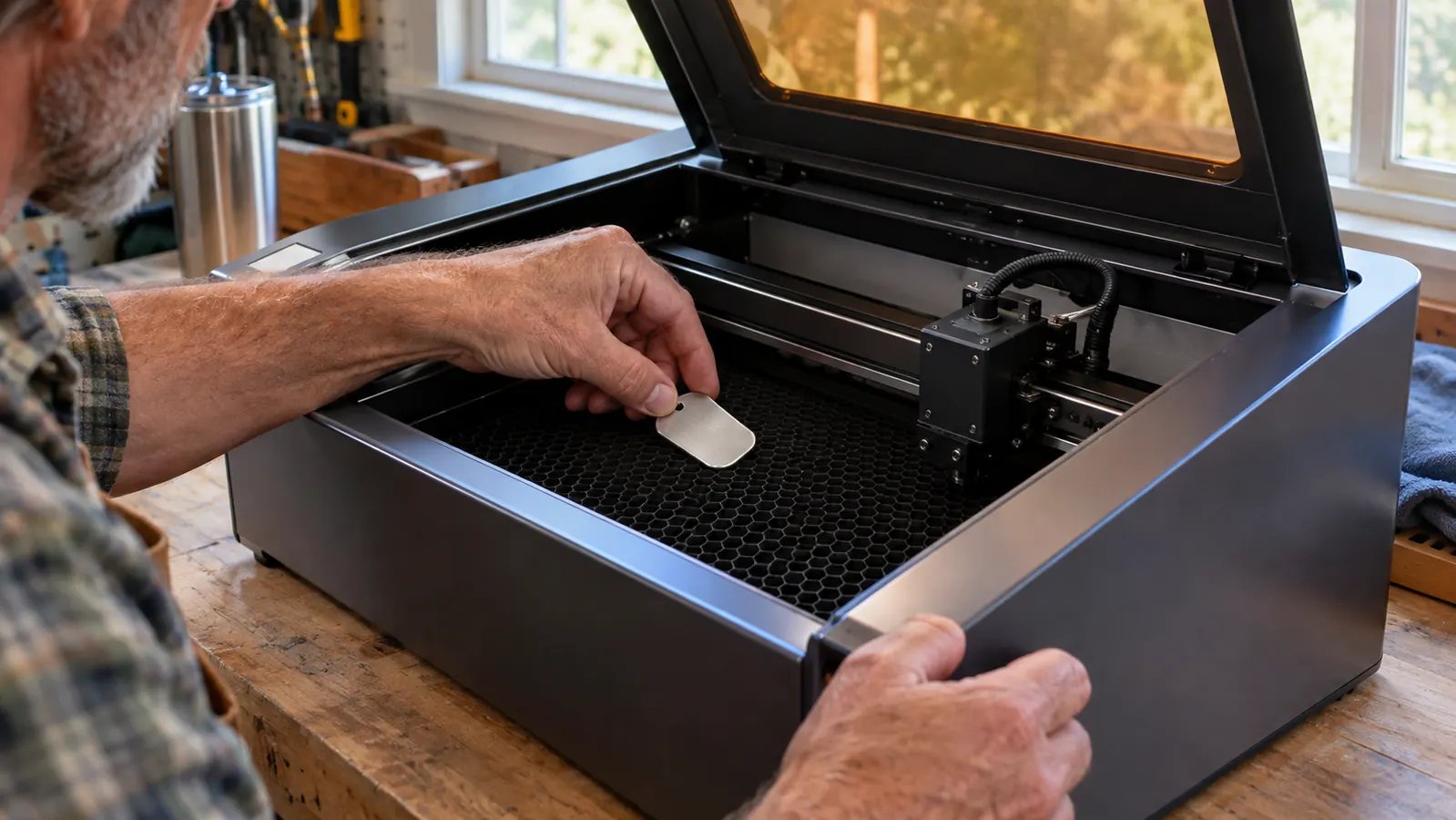
| Mark on bare metal | Clean light mark, great for tumblers and tags | Deeper, faster, more durable mark |
| Price | Lower entry cost for a first machine | Higher cost, plus extra safety spending |
| Best for | Beginners and small-batch side hustles | Shops that engrave metal all day |
Where the xTool F2 Wins
The biggest win for the xTool F2 is that it does not make you choose between metal and everything else. My workbench has a stack of maple cutting boards, a box of leather patches, and a bin of slate coasters, and all of it gets engraved in the same week. With the GWEIKE G2, all of that would need a second machine or a lot of masking and paint. With the F2, I switch from a leather patch to a stainless tumbler in about two minutes. The 15W diode handles wood and leather beautifully, and the 5W infrared source marks bare metal. One Saturday last spring I ran a dozen cutting boards in the morning and nine tumblers in the afternoon without changing anything but the settings. That one machine replaced two machines in my garage, and for a retired shop teacher with a two-car garage, that matters.
The second win is the built-in 50MP camera. I am not a young man, and my eyes are not what they were when I taught shop. Before the F2, I lined up designs with a printed paper template, a strip of blue tape, and a lot of squinting. I wasted three slate coasters in a single afternoon because the design was a quarter of an inch off center, and slate is not cheap. The F2 scans the work area, shows me exactly where the design will land, and lets me adjust it on screen before I fire the laser. On the GWEIKE G2, I had to line things up by hand and run test passes. For a beginner, that camera is the difference between a good first afternoon and a frustrating one. It also means I waste fewer blanks, and when you sell at craft fairs, wasted blanks are wasted money.
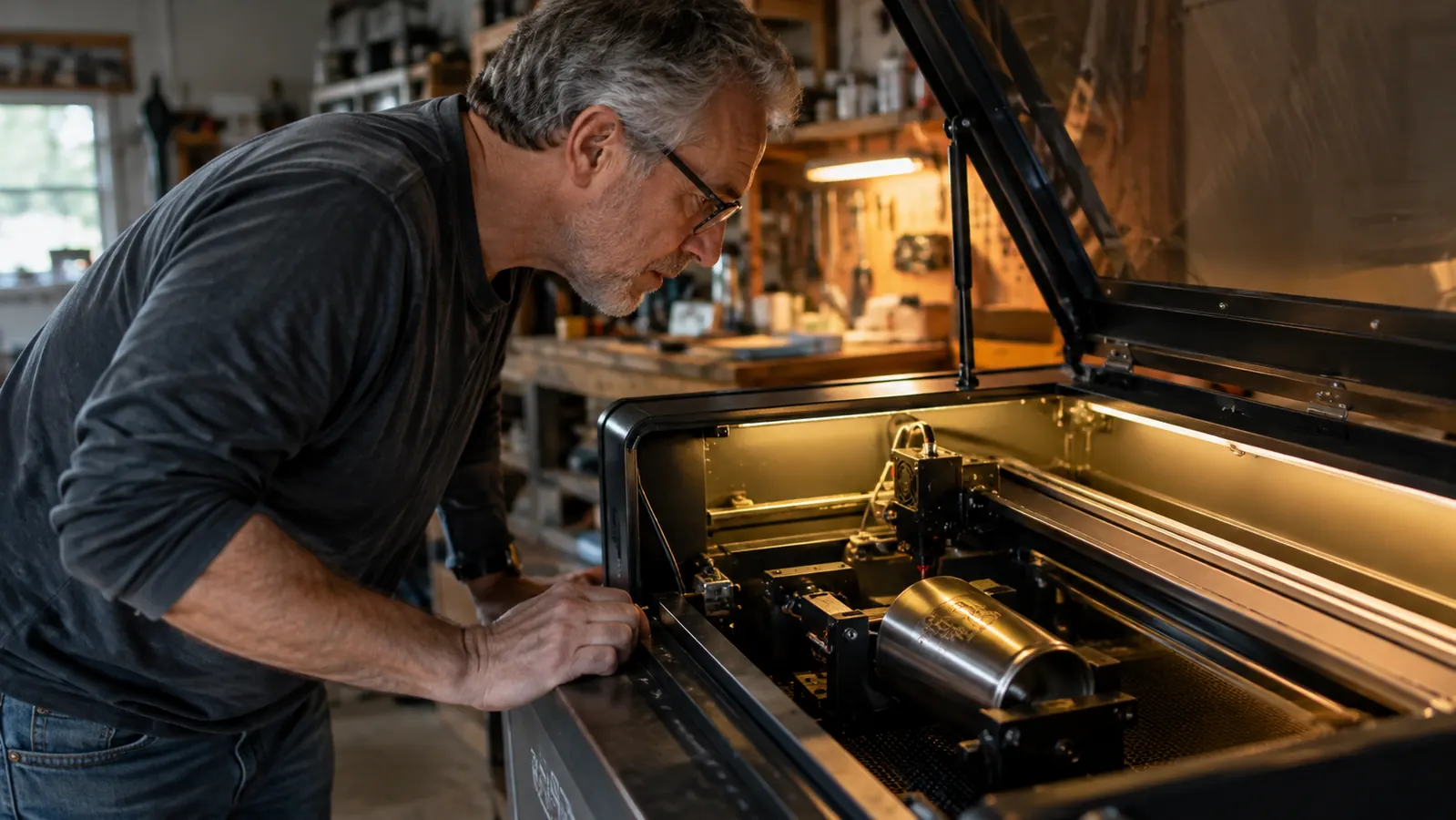
There is also the safety story, which does not get talked about enough. The F2 is enclosed. The lid has an interlock switch, so the laser will not fire with the lid open, and the window is rated for the wavelengths it produces. I can run it on the workbench along the back wall of my garage with the window open and a shop vac running, and I worry far less about stray light than I did with an open frame, though the rated goggles still live on a hook by the bench. A fiber laser like the GWEIKE G2 is an open bed. You need proper laser safety glasses rated for the fiber wavelength, you need an enclosure or a room you can block off, and you need to think about where the beam could bounce. That is not a reason to avoid the G2. It is a reason to know what you are signing up for before you buy one.
I should also mention the color marking, because it is the feature that surprises people at my booth. The F2 can put a dark, colored mark on stainless steel, not just a light etch. I have done a batch of tumblers with a deep bronze look, and people pick them up and turn them over to see if the color is painted on. That is a selling point you cannot get from a diode machine, and it is one of the reasons the F2 pulled ahead of the GWEIKE G2 for my kind of work. A fiber machine will give you a strong dark mark, but it does not give you the same range of colors on a tumbler.
Where the GWEIKE G2 Wins
I have to be honest about the places where the GWEIKE G2 is the better tool, because a comparison that gives one machine every round is not worth reading. The G2 is a real fiber laser, and it shows. On bare stainless steel, it marks faster and deeper than the F2. The mark has a slightly raised, dark finish that feels more permanent, and you can feel it with your fingernail. I spent an afternoon at a shop in Phoenix watching a G2 run. The owner had a stack of aluminum tags, maybe forty of them, and the machine was chewing through them while we talked. It would have taken me most of the day on my old setup, and the F2 would still be slower than that G2. If your whole business is engraving metal tags, tools, and industrial parts all day, the G2 will pay for itself in speed. For him, the F2 would be a step down, and I told him so.
The G2 also wins on raw power for certain jobs. Deep engraving, like putting a serial number on a steel tool handle, is quicker on the G2. I tried something similar with the F2 once, a small brass nameplate I wanted to recess slightly, and the infrared source gave me a clean, readable mark but not much depth. That is fine for a nameplate and fine for a tumbler. It is not industrial engraving. The F2 gives you a clean surface mark that is perfect for the work I do, but it is not trying to be a machine shop. If you know you will never cut wood, never engrave leather, and never touch a cutting board, the G2 is the more capable metal machine. The catch is that you have to know that before you spend the money, because the G2 will not help you with a maple board on a Saturday morning.
There is also the setup, and this is where a lot of beginners underestimate the G2. The machine itself is not huge, but everything around it is. You need a dedicated space, proper ventilation that moves air outside, laser safety glasses that actually match the wavelength, and a way to handle the fumes from coated metals. I have a window in my garage that I vent fumes through, but I would not want to run an open fiber bed next to my workbench with the shop vac on the floor and my wife Linda walking through. The G2 is a serious tool that expects a serious workshop. If you have one, it will reward you. If you do not, the F2 gets you ninety percent of the way there with a tenth of the setup.
Start with the machine that does metal and wood
The xTool F2 handles stainless steel tumblers, leather patches, and cutting boards in one desktop unit. See today's price and current availability on Amazon.
Amazon Check Today's Price on Amazon →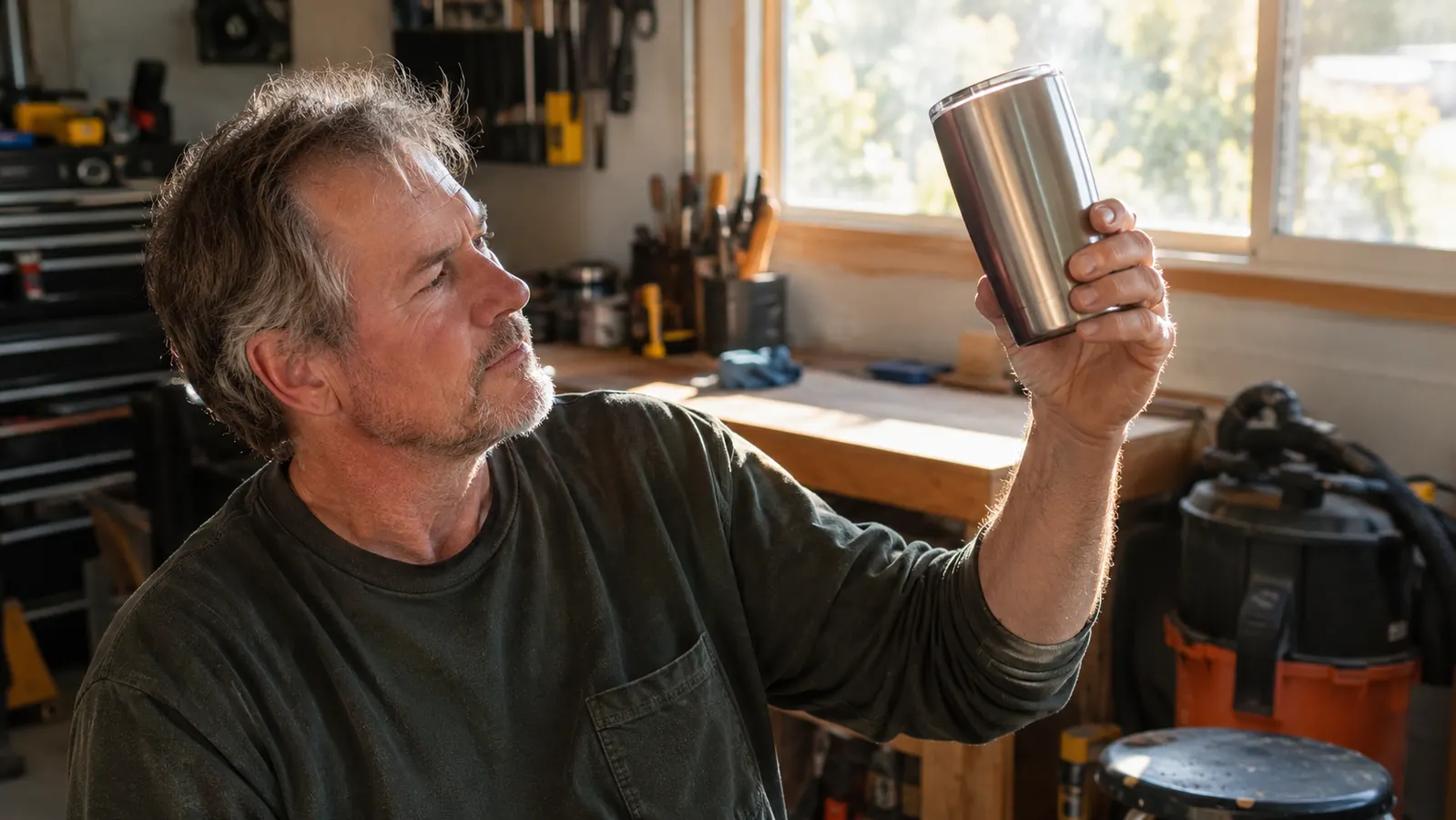
Who Should Buy Which
Buy the xTool F2 if you are starting out, if you want to engrave more than metal, or if your garage is your only workshop. It is the machine I recommend to the people who come up to my booth at craft fairs and ask how to get started. I tell them the same thing I tell anyone: figure out what you will actually engrave in the first month, then buy the machine that matches that. For most of them, that is a mix of wood and metal, which is exactly what the F2 does. It is enclosed, which means the safety story is simpler, and it does not need a dedicated ventilation system the way an open fiber bed does. My wife Linda handles the Etsy listings and takes most of the photos, and she has watched me go from burning boards to selling tumblers without turning our garage into a machine shop. That matters to both of us.
Buy the GWEIKE G2 if you already have a workshop with proper ventilation, if you have used a laser before, and if metal is most of what you do. It is a serious tool for a serious shop, and the mark quality on bare metal is the best I have seen on a desktop machine. It is not the machine I would hand to a beginner, because the learning curve is steeper and the safety requirements are higher. You have to think about beam containment, eyewear, and fumes before you ever turn it on. There is no shame in either choice. The right machine is the one that matches the work you actually do, not the work you imagine doing.
One practical note about owning either machine. Whatever you buy, budget for the things the box does not include. I use a shop vac, a window fan, and a box of microfiber cloths for cleaning the lens and the tray. The F2 is easier to keep clean because the enclosed tray catches most of the debris, and the camera makes it easy to see when the lens needs a wipe. An open fiber bed means dust and metal flecks settle on everything nearby. That is another small argument for the F2 in a garage workshop, and another small reason the G2 belongs in a dedicated space.
One more thing, and I say this to every person who asks me at a booth. The machine is the smallest part of the cost. The blanks, the settings, the test runs, the mistakes, the time learning your machine, that is where the real investment goes. The F2 lets you make those mistakes cheaply because it does so many materials well. I burned my first board, I engraved a design off-center on a coaster, and I ran a tumbler with the settings wrong and had to start over. All of that was tuition, and it was cheap tuition. If I had bought a dedicated fiber laser first, I am not sure I would still be doing this. Start with the machine that grows with you, and if metal becomes the whole job later, the G2 will still be there.
The xTool F2 is the beginner-friendly pick
One machine for metal, wood, leather, and slate. Check today's price on Amazon and see if it fits your workshop.
Amazon Check Today's Price on Amazon →